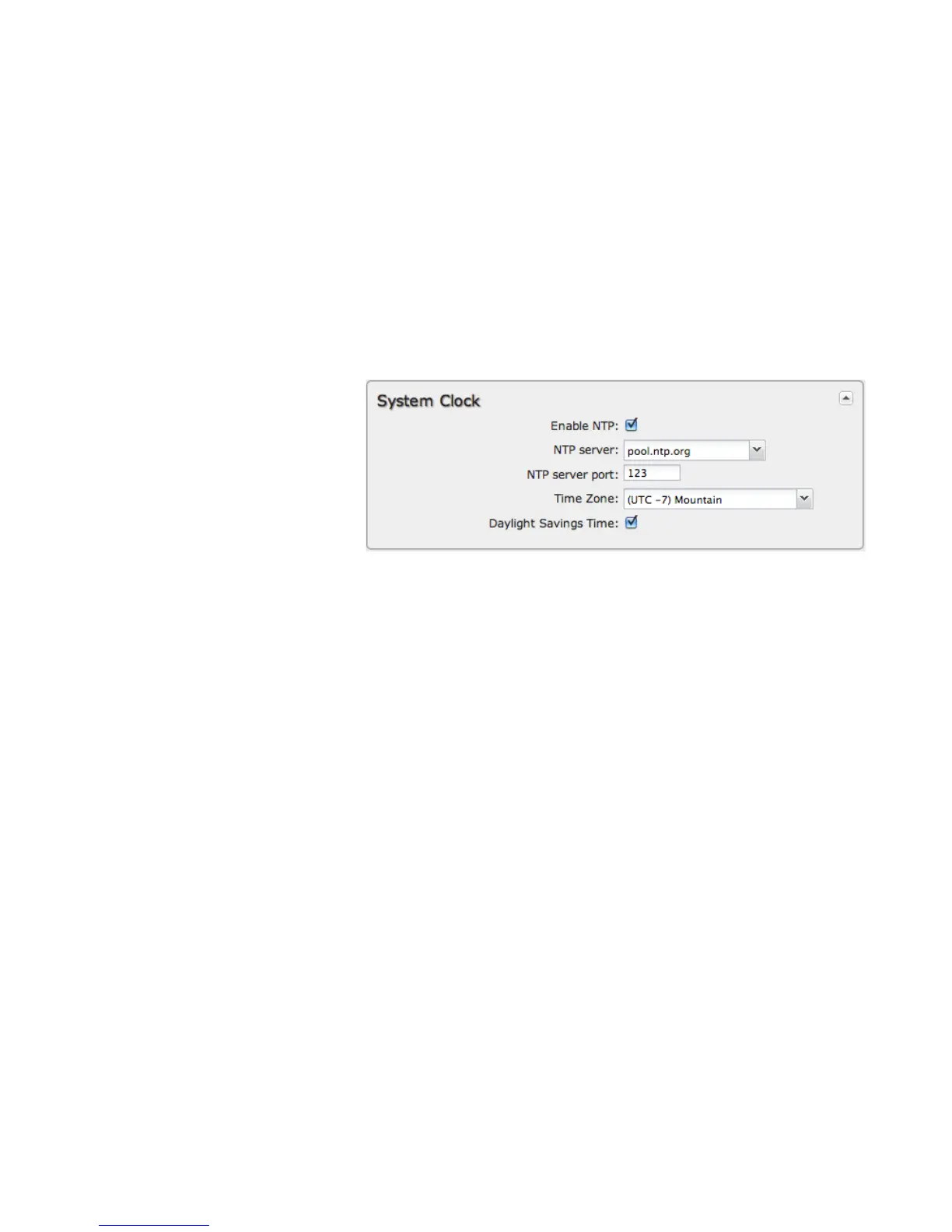
8.1.2 System Clock
Enabling NTP will tell the router to get its
system time from a remote server on the
Internet. If you do not enable NTP then the
router time will be based on when the
router firmware was built, which is
guaranteed to be wrong. Whenever the
Internet connection is re-established and
once a week thereafter the router will ask
the server for the current time so it can
correct itself.
You then have the option of selecting an NTP server and adjusting the NTP server port. Select the NTP server from the dropdown
list. Any of the given NTP servers will be sufficient unless, for example, you need to synchronize your router’s time with other
devices in a network.
Time Zone: Select from a dropdown list. Setting your Time Zone is required to properly show time in your router log.
Daylight Savings Time: Select this checkbox if your location observes daylight saving time.















 To Next Page