Getting Started – First Time Setup
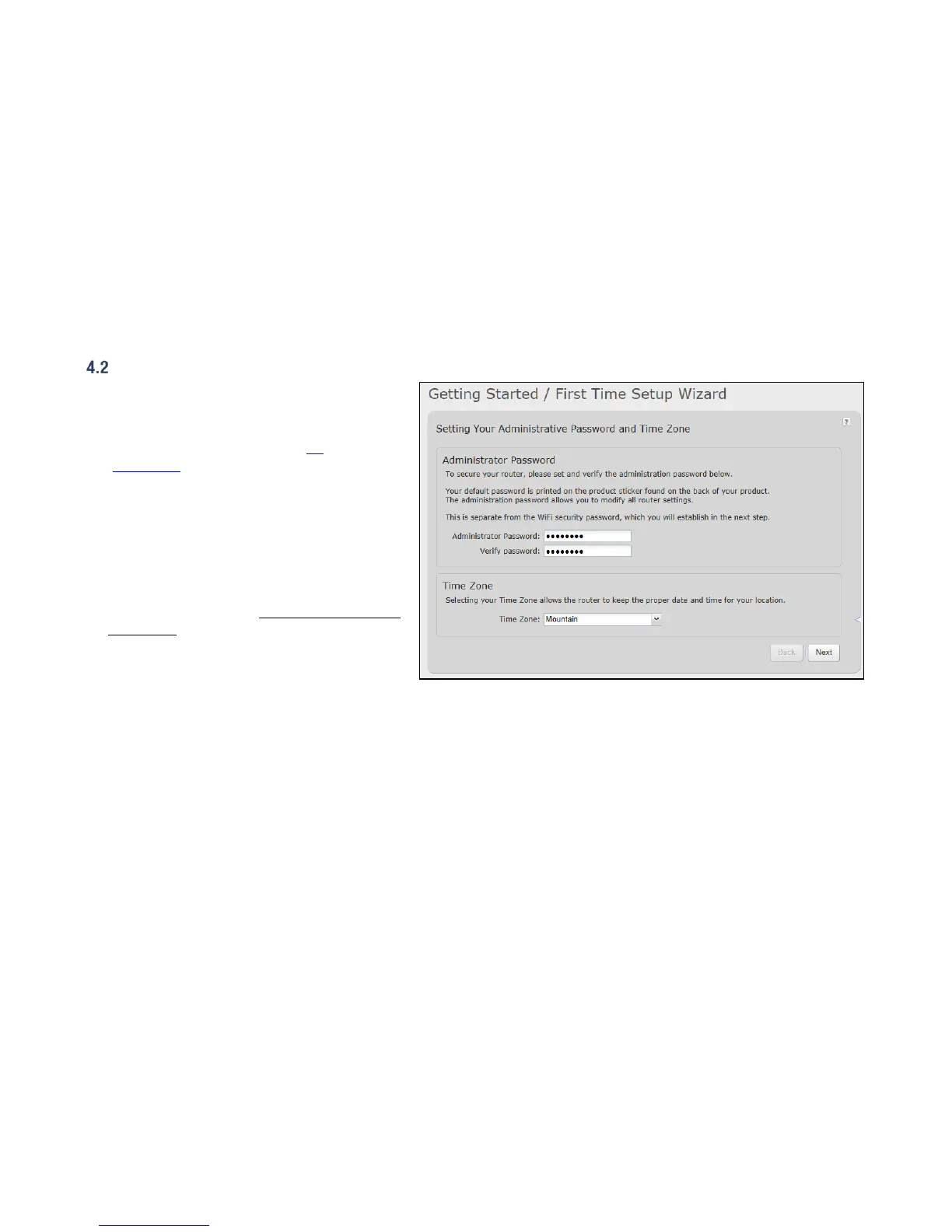
The First Time Setup Wizard will help you configure
your APN and failure check settings and change your
administrator password to something you choose.
1. Open a browser window and type “cp/” or
“192.168.0.1” into the address bar. Press
enter/return.
2. When prompted for your password, type the eight
character Default Password found on the product
label on the bottom of the CBA850 (this is also the
last eight digits of the router’s MAC address).
3. When you log in for the first time, you will be
automatically directed to the First Time Setup
Wizard. (Otherwise, go to Getting Started
First
Time Setup).
4. Cradlepoint recommends that you change the
router’s ADMINISTRATOR PASSWORD, which is
used to log in to the administration pages.
5. You can select your TIME ZONE from a dropdown list. (This may be necessary to properly show time in your router log, but typically
your router will automatically determine your time zone through your browser.) Click NEXT.















 To Next Page