MAC Filter/Logging
A MAC (Media Access Control) address is a unique identifier for a computer or other device. This page allows you to manage clients by
MAC address. You can filter clients by MAC addresses and/or keep a log of devices connected to your router.
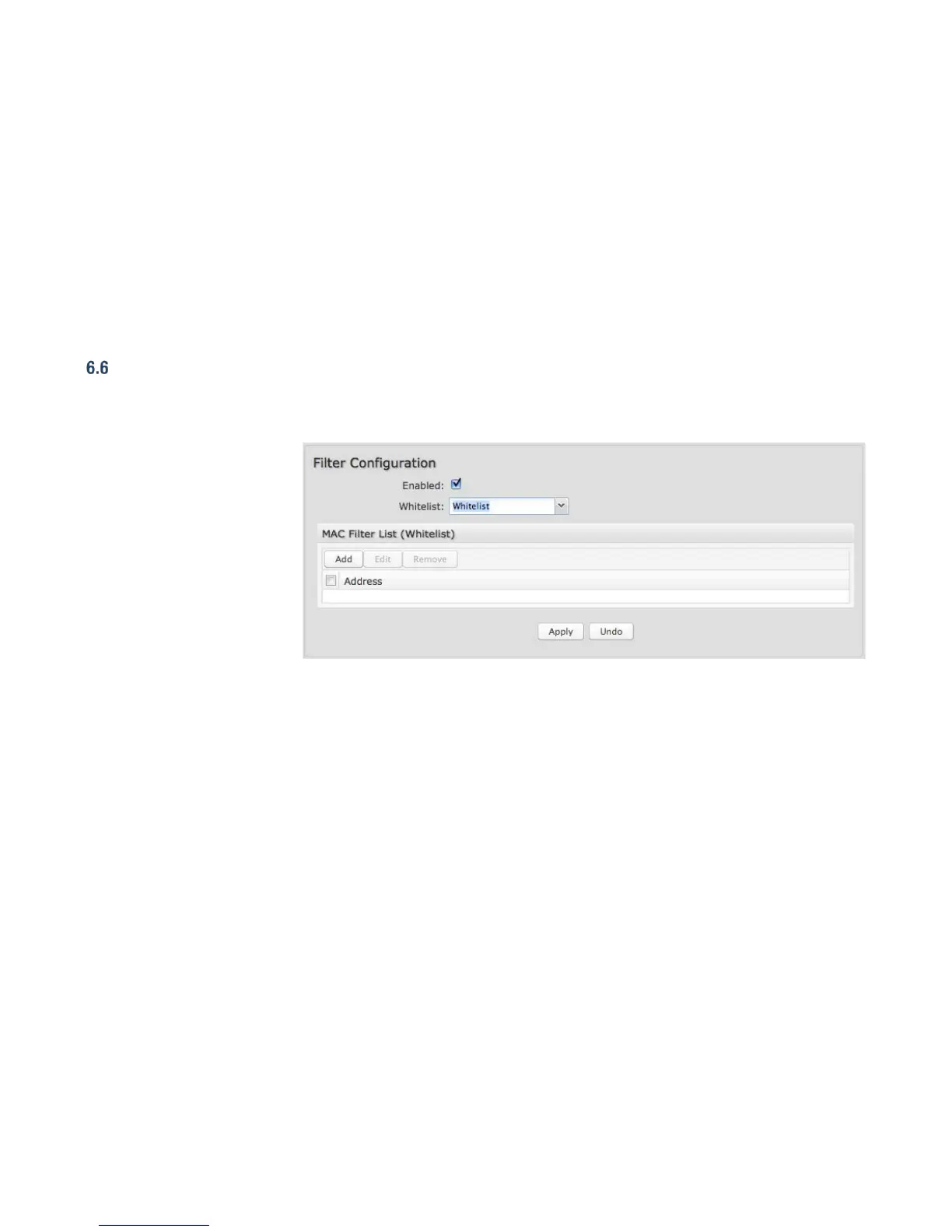
6.6.1 Filter Configuration
The MAC Filter allows you to
create a list of devices that
have either exclusive access
(whitelist) or no access
(blacklist) to your LAN.
Enabled: Click to allow MAC
Filter options.
Whitelist: Select either
“Whitelist” or “Blacklist” from a
dropdown menu. In "Whitelist"
mode, the router will restrict
access to all computers except
those contained in the "MAC Filter List" panel. In “Blacklist” mode, listed devices are completely blocked.
MAC Filter List (Whitelist or Blacklist): Add devices to either your whitelist or blacklist simply by inputting each device’s MAC
address.
NOTE: Use caution when using the MAC Filter to avoid accidentally blocking yourself from accessing the router.















 To Next Page