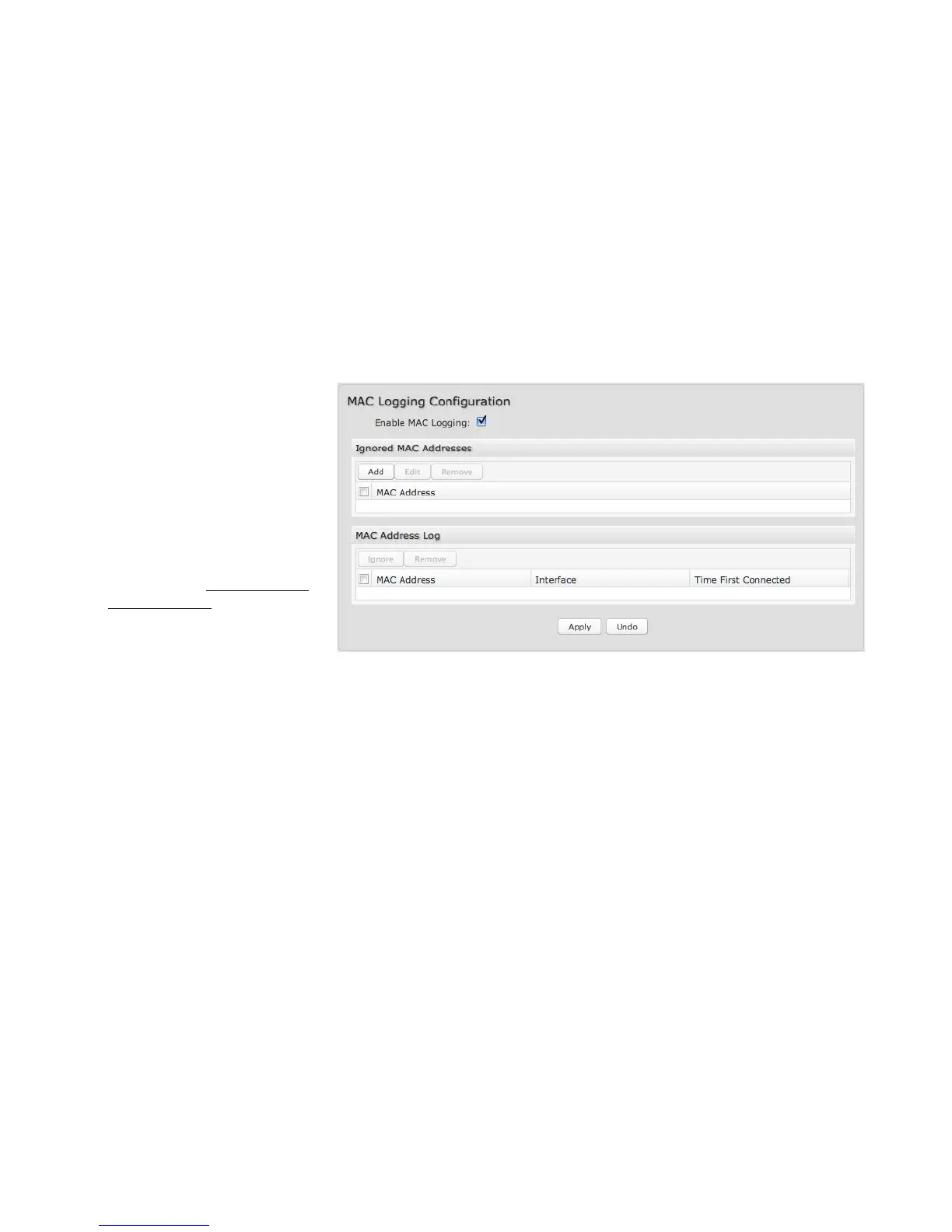
6.6.2 MAC Logging Configuration
Enable MAC Logging: Enabling MAC
Logging will cause the router to log
MAC addresses that are connected to
the router. MAC addresses that you
do not want to have logged
(addresses that you expect to be
connected) should be added to the
“Ignored MAC Addresses” list.
You can configure the router to send
an alert if a connected device has a
MAC address that the router doesn’t
recognize. Go to System Settings
→ Device Alerts to set up these
email alerts.
Ignored MAC Addresses: This is the
list of MAC addresses that will not produce an alert or a log entry when they are connected to the router. These should be MAC
addresses that you expect to be connected to the router.
To add MAC addresses to this list, simply select devices shown in the MAC Address Log and click “Ignore.” You can also add
addresses manually.
MAC Address Log: This shows the last 64 MAC addresses that have connected to the router, as well as which interface was used
to connect. The time/date that is logged is the time of the first connection. The page may need to be refreshed to show the most
recent log entries.
Double-clicking on entries from this list will add them to the Ignored MAC Addresses list.















 To Next Page