GPS
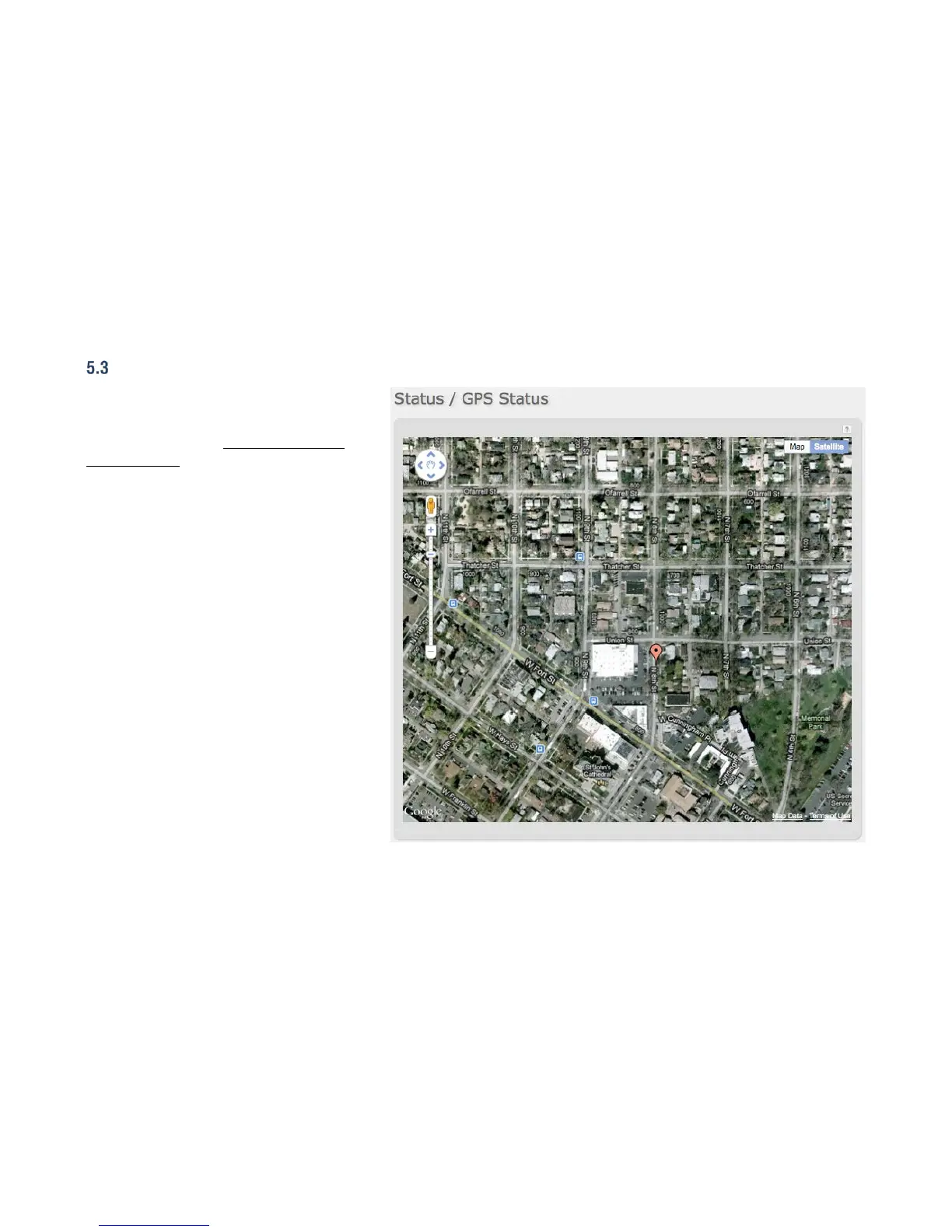
If GPS support is enabled and a modem capable of
providing GPS coordinates is connected, this page
shows a graphical view of your router's location.
See the GPS section in System Settings →
Administration to enable GPS support.
GPS information is only displayed if 1) the modem
supports GPS, 2) your carrier allows the GPS
functionality, and 3) the modem has sufficient GPS
signal strength. If no information is displayed,
check that both the modem and your carrier
support GPS. If GPS is supported, make sure the
modem is in an area where it can receive a signal
from the GPS satellites.















 To Next Page