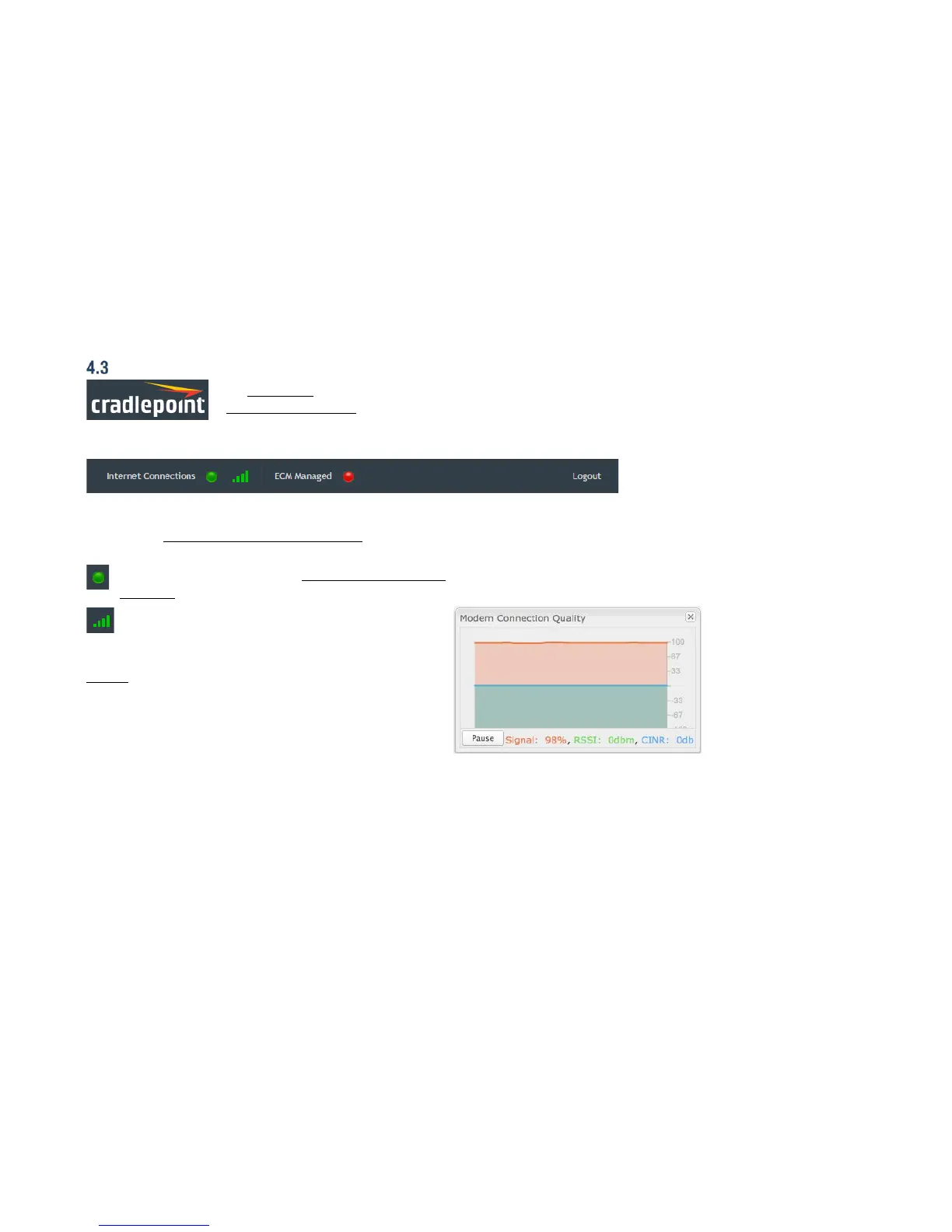
The black bar across the top provides quick access to important information and controls.
INTERNET CONNECTIONS
This links to Status → Internet Connections where you can
view in-depth information about your Internet sources.
Click on the green dot to link to Internet → Connection
Manager where you can manage your WAN interface(s).
Click on the image of four signal bars to open a
“Modem Connection Quality” popup window that shows
the strength of your Internet signal.
Logout Click to log out of the administration pages.















 To Next Page