6. Configuring Your Access Point Name (APN)
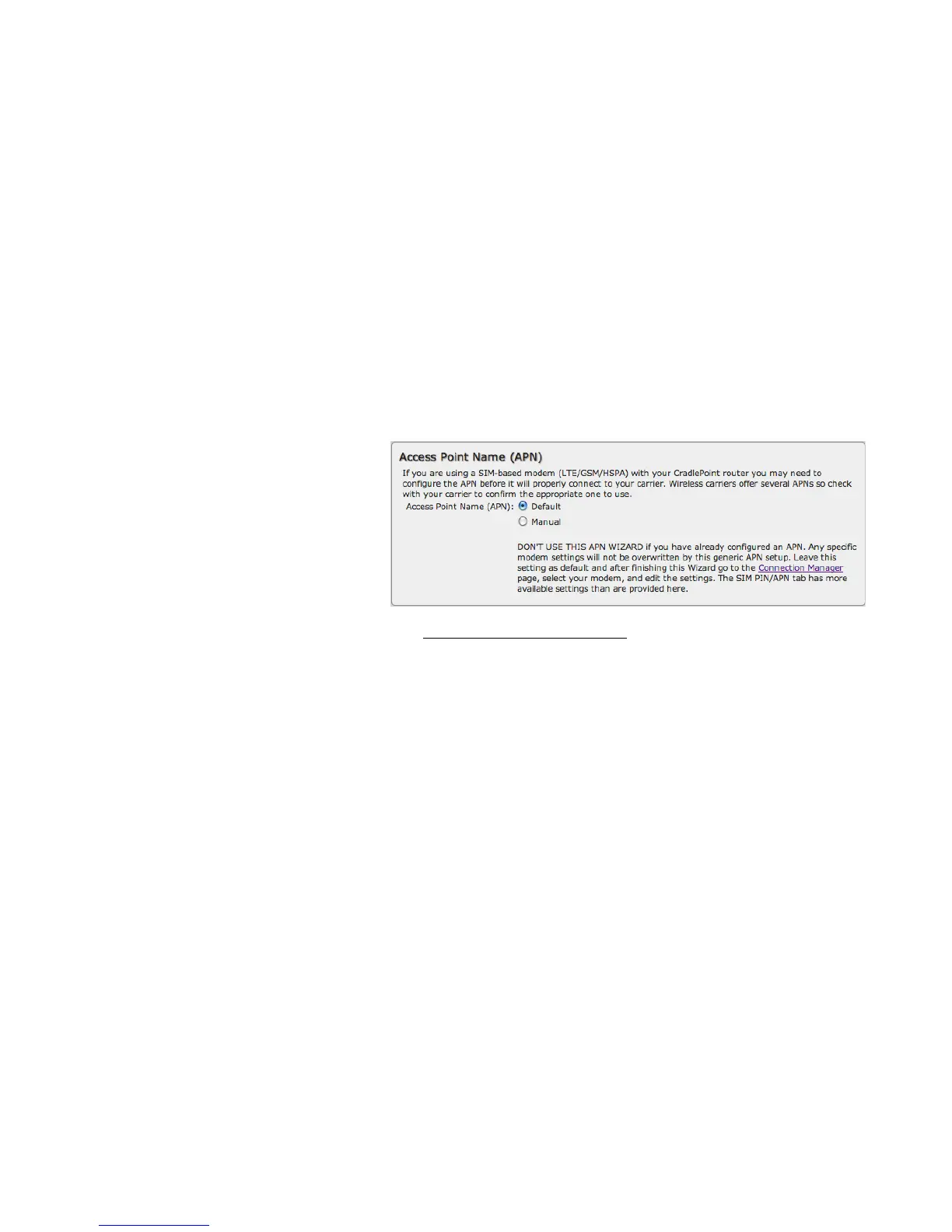
If you are using a SIM-based modem (LTE/GSM/HSPA) with your Cradlepoint router, you may need to configure the APN before it
will properly connect to your carrier. Wireless carriers offer several APNs, so check with your carrier to confirm the appropriate one
to use. Some examples include:
• AT&T: "broadband"
• T-Mobile: "epc.tmobile.com"
• Rogers LTE: "lteinternet.apn"
• Bell: "inet.bell.ca"
• TELUS: "isp.telus.com"
You can either leave this on the Default setting
or select Manual and input a specific APN.
If your specific modem or SIM already has
APNs programmed into it, you should leave this
on the Default setting. After finishing this Wizard go to Internet → Connection Manager, select your modem, and edit the
settings. The SIM PIN/APN tab has more available settings than are provided here.















 To Next Page