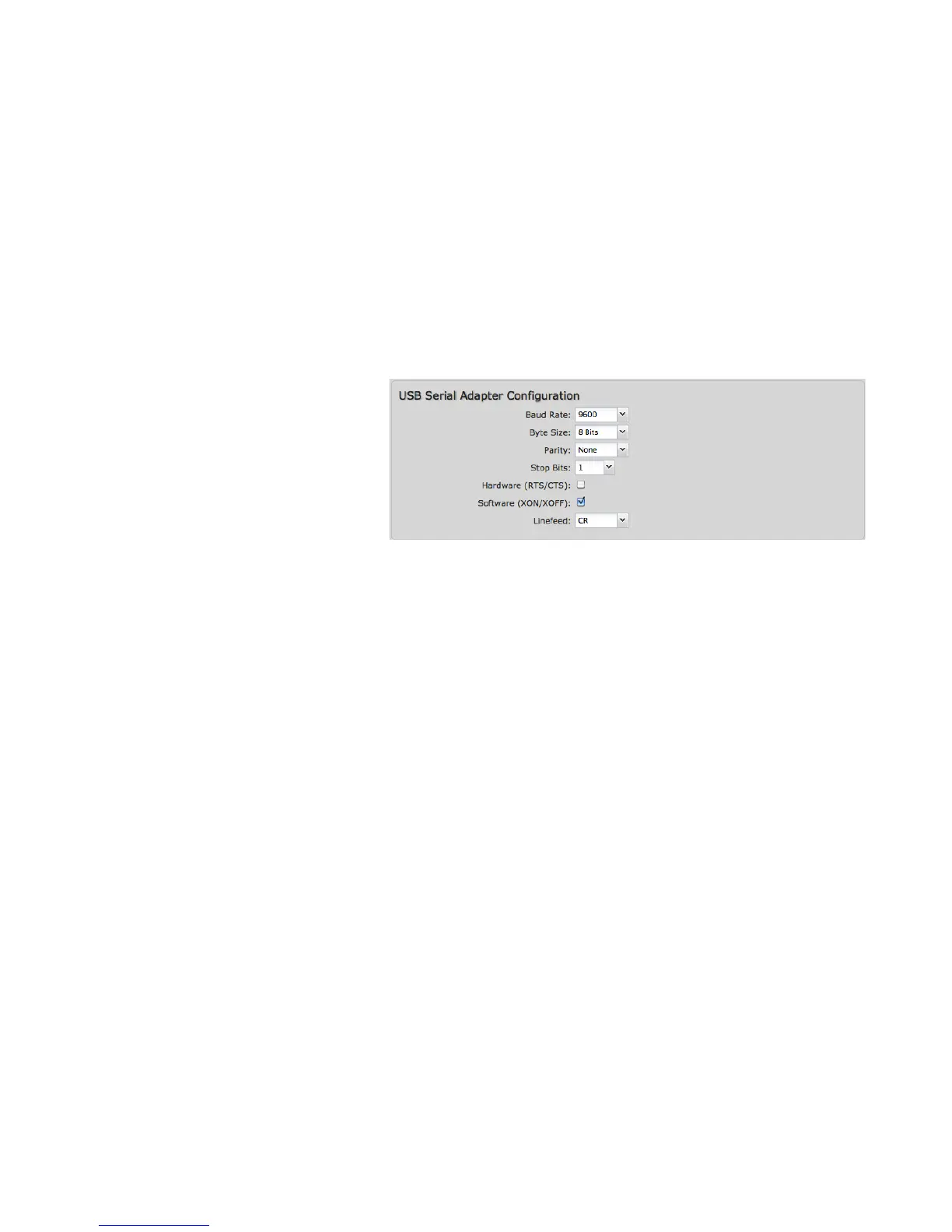
8.4.2 USB Serial Adapter Configuration
Baud Rate: Select from the dropdown list.
• 50
• 75
• 110
• 134
• 150
• 200
• 300
• 600
• 1200
• 1800
• 2400
• 4800
• 9600
• 19200
Byte Size: The number of bits in a byte. Select from: 5, 6, 7, and 8.
Parity: Change this value to enable parity bit checking. Select from the following dropdown options:
• None: No parity checking (Default)
• Even: parity bit will always be even
• Odd: parity bit will always be odd
• Mark: parity bit will always be odd and always 1
• Space: parity bit will always be even and always 0
Stop Bits: Number of bits to initiate the stop period. Select from these dropdown values: 1, 1.5, and 2.
Hardware (RTS/CTS): Use RTS (Request To Send)/CTS (Clear To Send) to enable flow control.
Software (XON/XOFF): Use XON/XOFF to enable flow control.















 To Next Page