INTERFACES
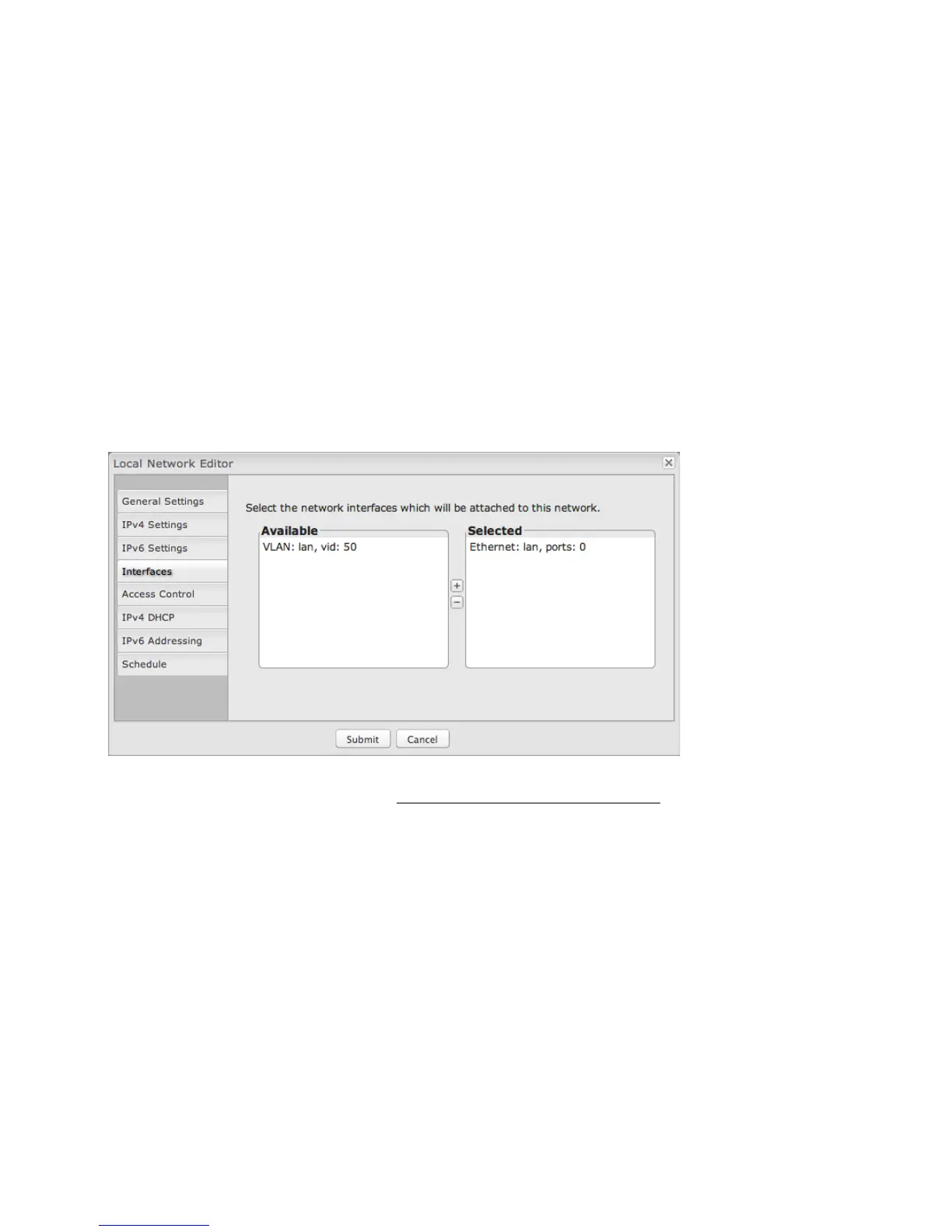
Select network interfaces to attach to this network. Choose from the Ethernet ports and VLAN interfaces. Double-click on an
interface shown on the left in the Available section to move them to the Selected section on the right (or highlight an interface and
click the “+” button). To deselect an interface, double-click on an interface in the Selected section (or highlight the interface and
click the “–“ button).
If you want more interface options, you must configure additional interfaces separately. See the LOCAL NETWORK INTERFACES
section below (on this same administration page: NETWORK SETTINGS → LOCAL NETWORKS).















 To Next Page