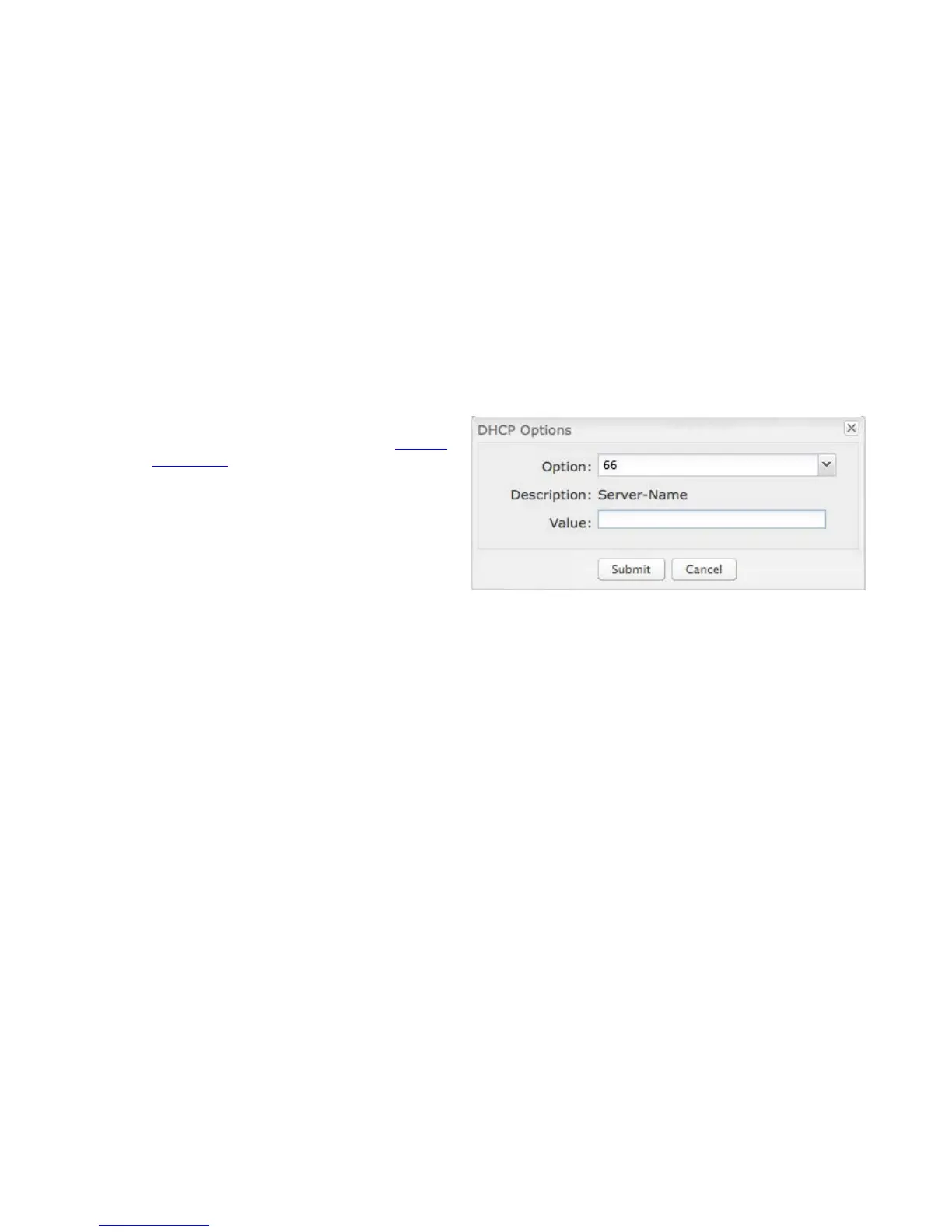
Custom Options: Input a custom DHCP option by first clicking the Custom Options field to enable it and then clicking “Add” at the
top of the table that appears. There are close to 200 possible DHCP options available. One of the more common uses is to assign a
VoIP phone server using option 66 (Server name).
• Option: Select an option from the dropdown list or
manually enter the number of an option. A complete
list of options is available from IANA.
• Value: Generally this field should be a string, IP
address, or numeric value. Some fields can accept
both IP addresses and hostnames – in these cases
you may need to wrap this value in quotes. For
example, option 66 (Server name) requires quotes
around IP addresses.
DHCP Relay: Communicates with a DHCP server and acts as
a proxy for DHCP broadcast messages that must be routed to remote segments. This is accomplished by converting broadcast
DHCP messages to unicast messages to communicate between clients and servers.
DHCP Server Address: An optional DHCP server address if more than one DHCP server is located on the network. This field is
only available when DHCP Relay is enabled.















 To Next Page