that all of your WAN connections can use. For best results, select an established public IP address. For example, you might ping
Google Public DNS at 8.8.8.8 or Level 3 Communications at 4.2.2.2.
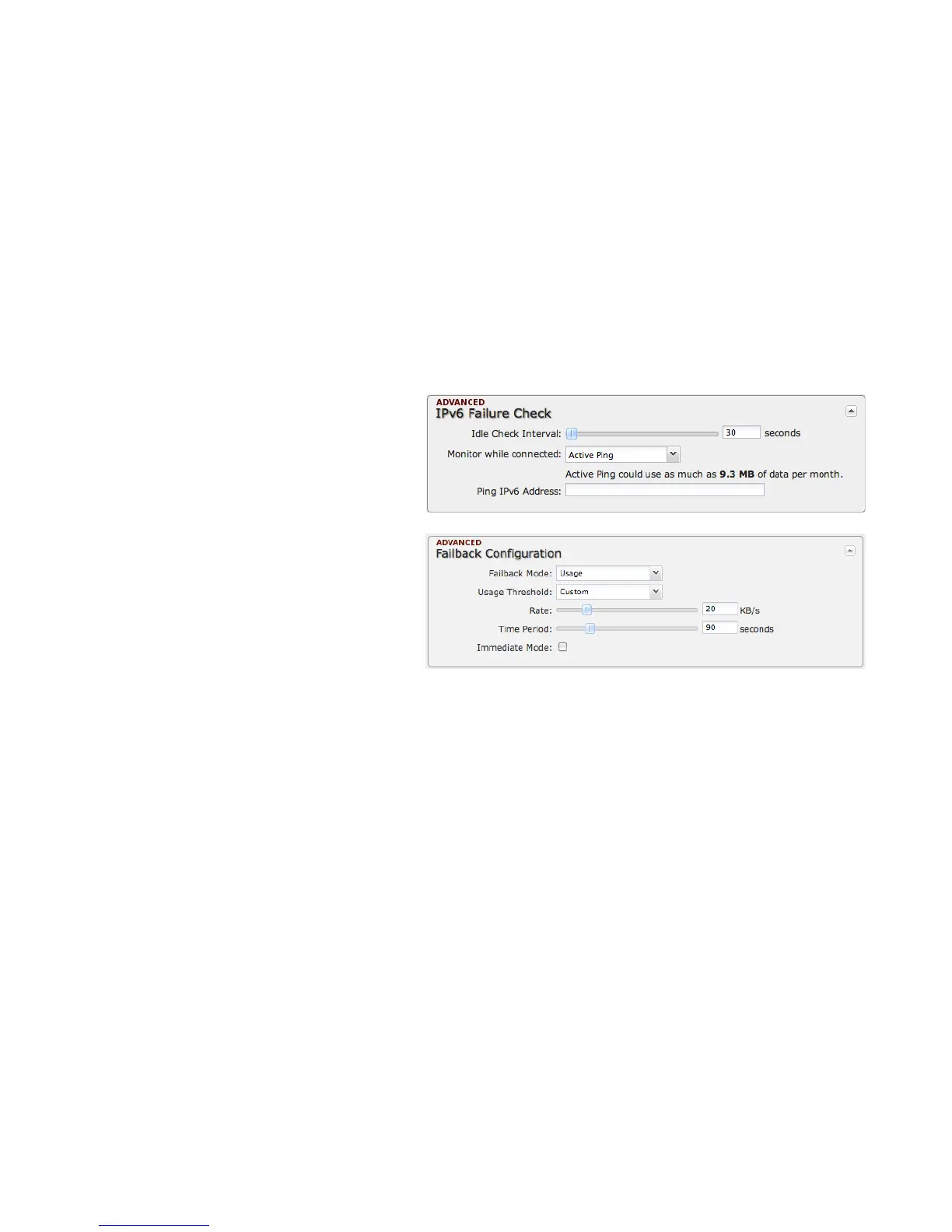
IPV6 FAILURE CHECK (ADVANCED)
These settings match IPv4 Failure Check; the only
difference in the UI is that the ping address uses
IPv6.
FAILBACK CONFIGURATION (ADVANCED)
This is used to configure failback, which is the ability
to go back to a higher priority WAN interface if it
regains connection to its network.
Usage: Fail back based on the amount of data
passed over time.
• High (Rate: 80 KB/s. Time Period: 30
seconds.)
• Normal (Rate: 20 KB/s. Time Period: 90
seconds.)
• Low (Rate: 10 KB/s. Time Period: 240 seconds.)
• Custom (Rate range: 1-100 KB/s. Time Period range: 10-300 seconds.)
Time: Fail back only after a set period of time. (Default: 90 seconds. Range: 10-300 seconds.) This ensures that the higher
priority interface has remained online for a set period of time before it becomes active (in case the connection is dropping in and
out, for example).
Disabled: Deactivate failback mode.
Immediate Mode: Fail back immediately whenever a higher priority interface is plugged in or when there is a priority change.
Immediate failback returns you to the use of your preferred Internet source more quickly which may have advantages such as
reducing the cost of a failover data plan, but it may cause more interruptions in your network than Usage or Time modes.















 To Next Page