USER MANUAL V1.0
WWW.CRAFTBOT.COM
7.5. Watching the camera remotely
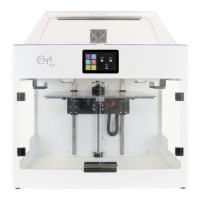
CraftBot Flow printers are equipped with built-in camera. This allows the user to view the print progress, spot fail-
ures, and to control the printer remotely.
To access the camera please login to the web interface, and choose Camera menu.
You can take snapshots of the image or make a video of the print.
You can directly access to the camera stream on http://<printer ip address>/camera .
The stream only accessible with the camera username and password. The camera has its separate username and
password. This allows you to share the camera with operators, without revealing the user interface credentials.


 To Next Page