USER GUIDE
25
10. CLEANING AND MAINTENANCE
IMPORTANT!
Cleaning and lubrication should only be conducted while the extruder and build plate are cold. Please allow the
CraBot 3D printer to cool down at least 30 minutes before starting any cleaning or maintenance. It is necessary to
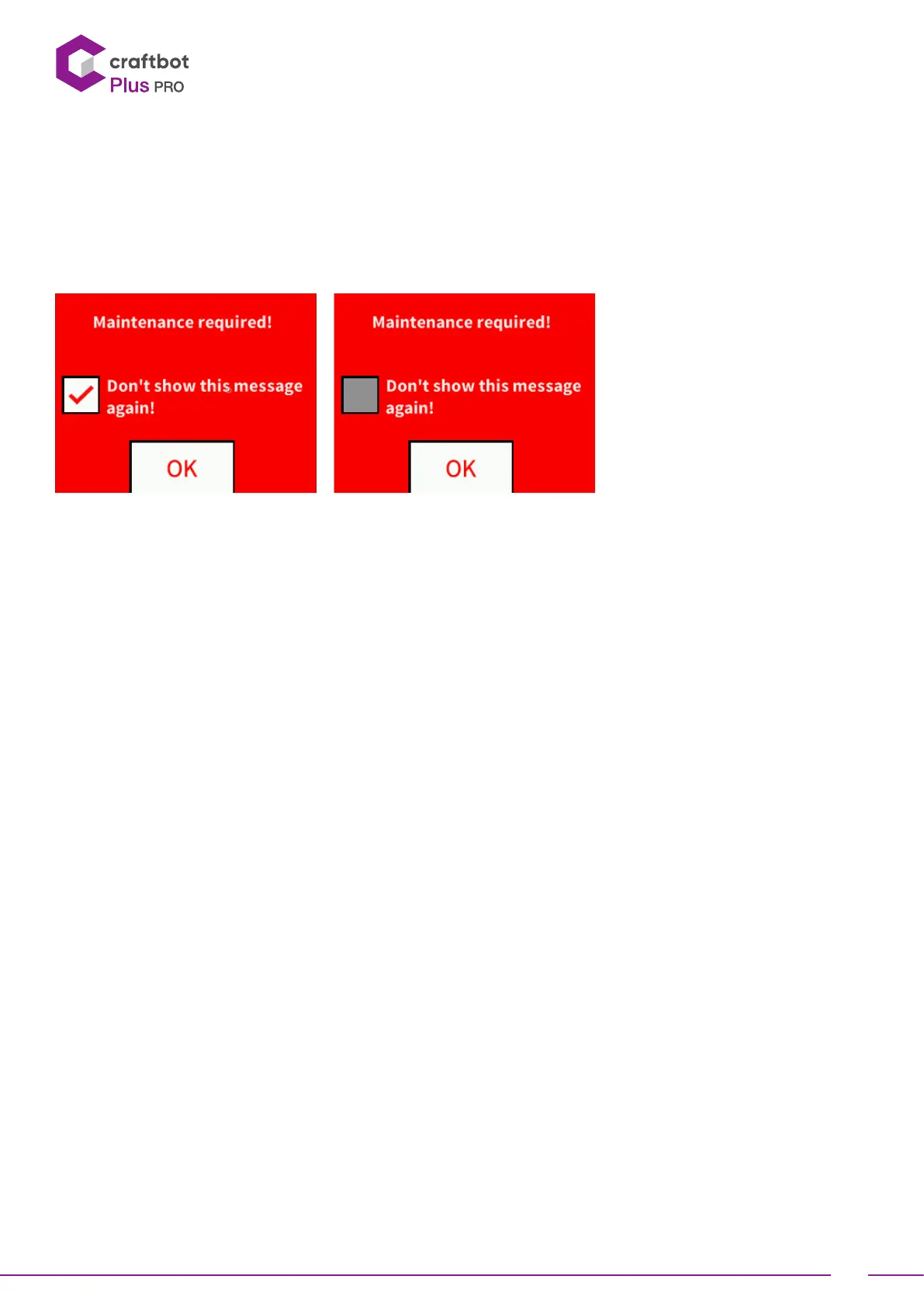
both clean and change the used and worn parts on the printer aer every 1000 hours. The printer will warn the user.
10.1. CLEANING
Clean the metal housing of the CraBot by wiping with a damp cloth.
To clean the build plate; you need to start by removing it by unscrewing the 2 white screws located in the front of the
plate. We then recommend cleaning the plate with window cleaner. Once completed, wipe clean with a dry cloth or
paper towel.


 To Next Page