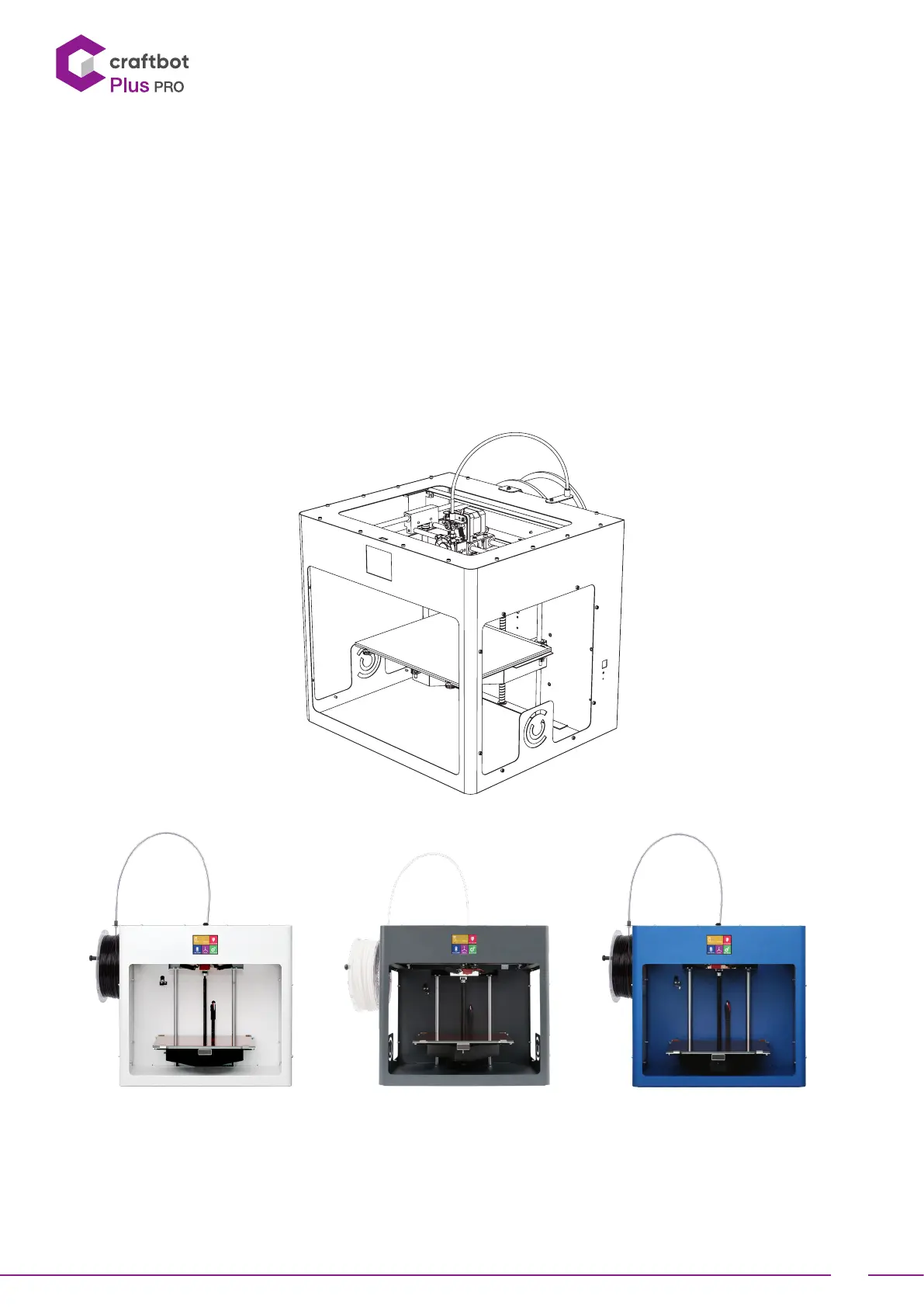
USER GUIDE
3
1. INTRODUCTION
Congratulations on your purchase of the CraBot 3D printer and welcome to the word of 3D craing! At CraUnique
we believe that 3D printing opens a new window to enhance creativity. It offers outstanding craing experience even
without prior programming or 3D printing experience.
How does the printer work? The CraBot 3D printer makes solid, three-dimensional objects out of melted plastic
filament. First you will have to have your objects with the help of a 3D design program. Then you will need to use
the CraWare program (downloadable from www.craunique.com/craware) to transform your 3D design files into
printing instructions for the CraBot 3D printer. Transfer your files to Your CraBot 3D printer via USB drive or USB
cable. The CraBot 3D printer will melt plastic filaments and squeeze it out onto the building plate in thin lines to
print your object layer by layer.


 To Next Page