IN FI NI TY24
AU TO BA R
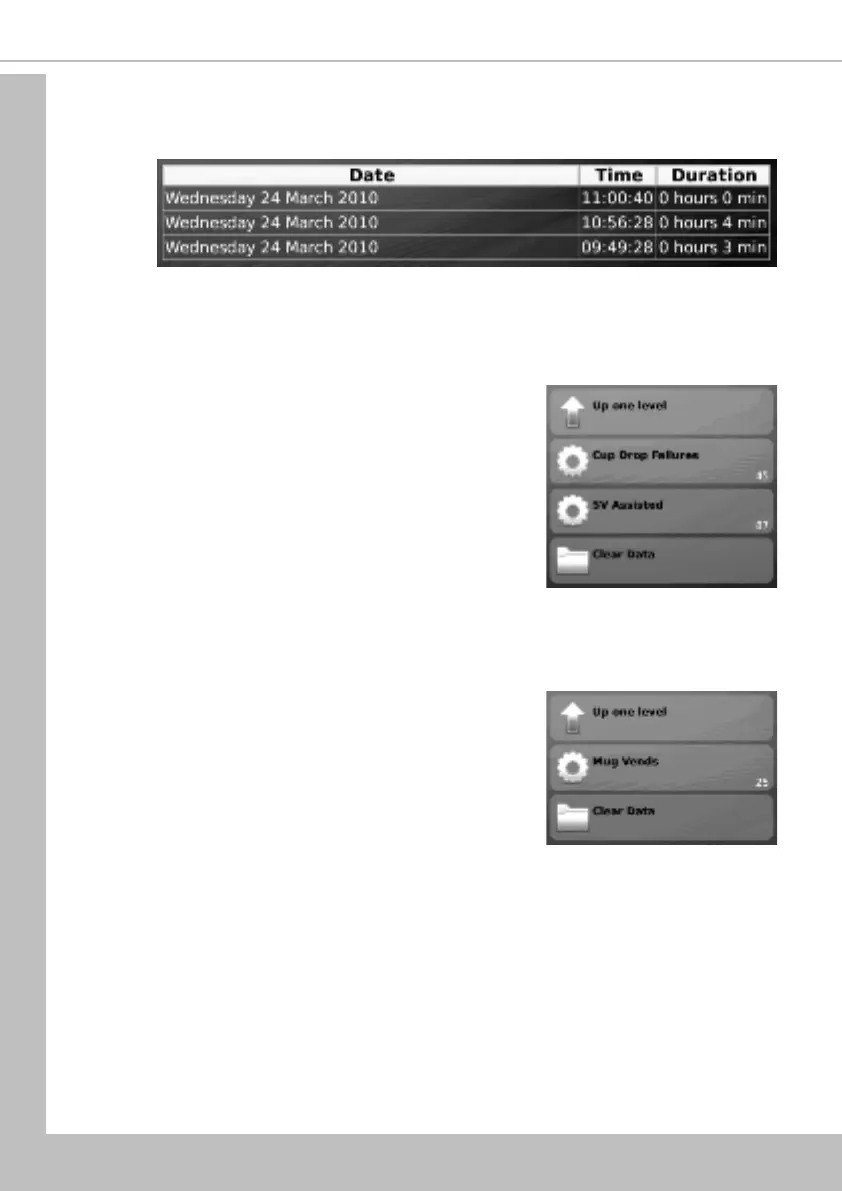
2. Select Power Losses. The LCD will display the screen as shown below. This screen
displays a list of the most recent occasions (up to 10) when power to the machine has
been disconnected in date, time of day and period format.
7.1.4 SureVend
TM
This menu becomes available only when SureVend
TM
is enabled via the Product Configuration
menu (see 7.4.3 SureVend
TM
).
1. Navigate: Data Recall / SureVend
TM
(Cup Drop
Failures, SV Assisted, Clear Data). The LCD will
display the screen as shown. From this menu
screen the operator can view and record the
number of cup drop failures that SureVend
TM
has
logged and also the number of SureVend
TM
assisted
vends.
2. Once the operator has viewed and recorded the
data it can be cleared by pressing Clear Data then
Yes to confirm.
To return the machine to standby mode (at any point), close the front door.To re-enter
the programming mode, see 6.3 Accessing the Programming Mode.
6.1.6 Mug Vends
This menu displays the number of vends that the machine has
made without dropping a cup.
1. Navigate: Data Recall / Mug Vends.
2. Once the operator has viewed and recorded the
data it can be cleared by pressing Clear Data then
Yes to confirm.
To return the machine to standby mode (at any point), close the front door.To re-enter
the programming mode, see 6.3 Accessing the Programming Mode.
7.2 Diagnostic Menu
1. Should a fault occur within the machine, the LCD will display a fault message and in
some cases the machine may become inoperable. By selecting Diagnostics (via the
operatorʼs Main Menu) and viewing the fault description, the operator can in most
cases clear the fault and quickly bring the machine back into service.
2. When the fault cannot be easily remedied by the operator and requires the services of
an approved engineer, the diagnostics screen text displayed enables the engineer to
quickly and easily locate and repair the problem, reducing machine down time.
Section 7 - Operatorʼs Program


 To Next Page