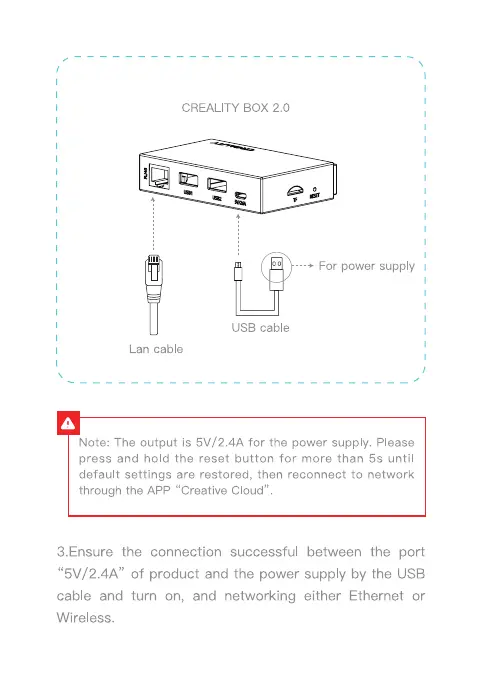
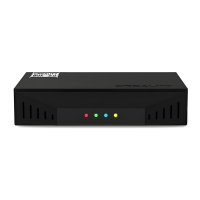
CREALITY BOX 2.0
For power supply I
USB cable
Lan cable
Note: The output is 5V/2.4A for the power supply. Please
press and hold the reset button for more than 5s until
default settings are restored, then reconnect to network
through the APP "Creative Cloud"
3.Ensure the connection successful between the port
"5V/2.4A" of product and the power supply by the USB
cable and turn on, and networking either Ethernet or
Wireless.






 To Next Page