Using Your Audio Device
Your iRoar works seamlessly with many external devices to perform different tasks:
l Playing music
l Recording audio
l Answering and ending calls
l Charging mobile devices
l Amplifying voices*
l Building home stereo systems**
Note:
Once connected, the microphone functions of your device are transferred to the iRoar.
*Connect Tiger (available separately)to iRoar via Bluetooth.
**Link two iRoars together using the MegaStereo cable (available separately).
Playing Music
Playing music from a Bluetooth device
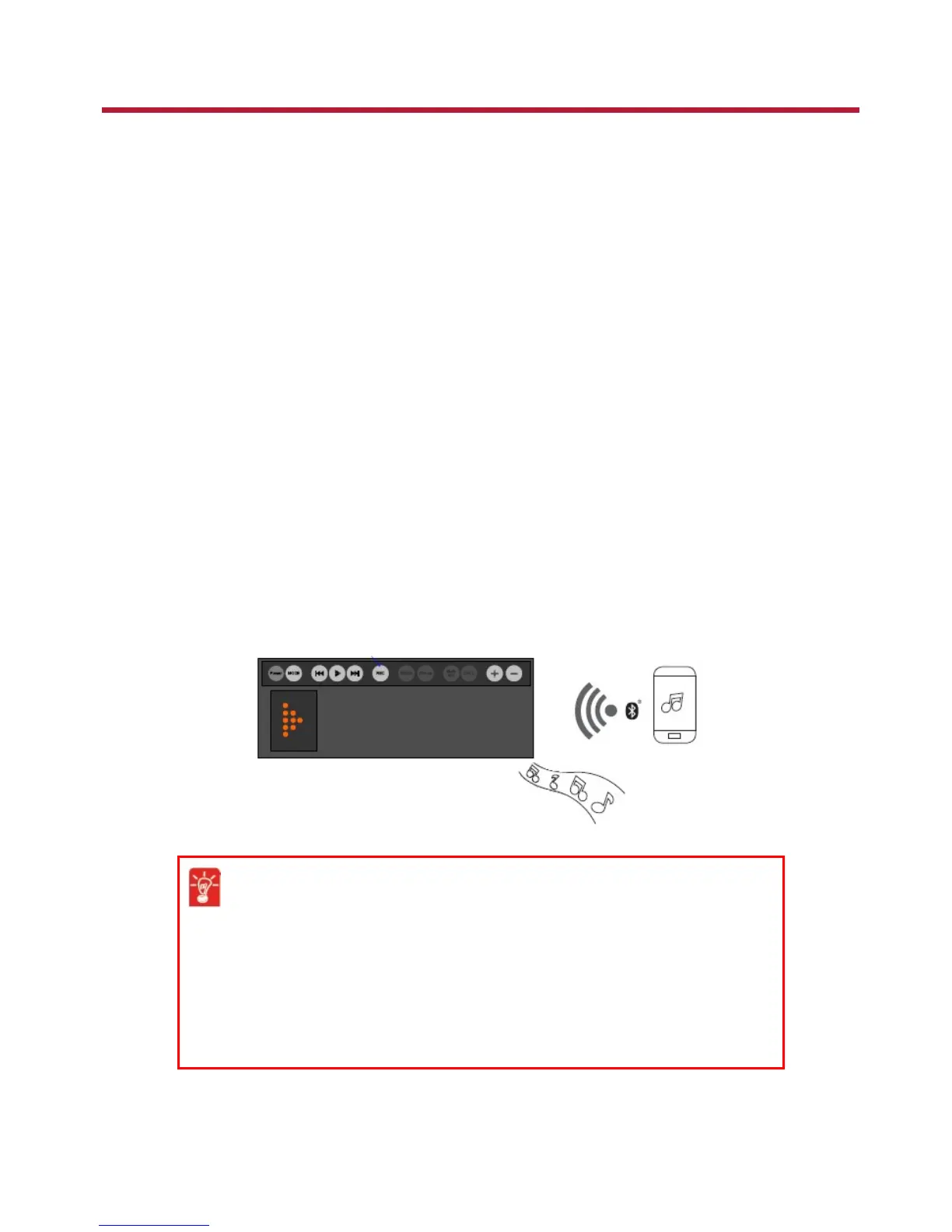
To stream audio from your mobile device wirelessly,
1. Connect your smart device via one-touch NFC pairing or manual Bluetooth pairing.
2. The speaker enters Bluetooth Playback mode.
3. Play your music from your smart device!
To adjust speaker volume,
l Increase volume:Press Volume + button
l Decrease volume:Press Volume -button
To mute/unmute speaker,
l Mute speaker:Press and hold Volume - button
l Unmute speaker:Press Volume - or Volume + button
Using Your Audio Device 12










 To Next Page