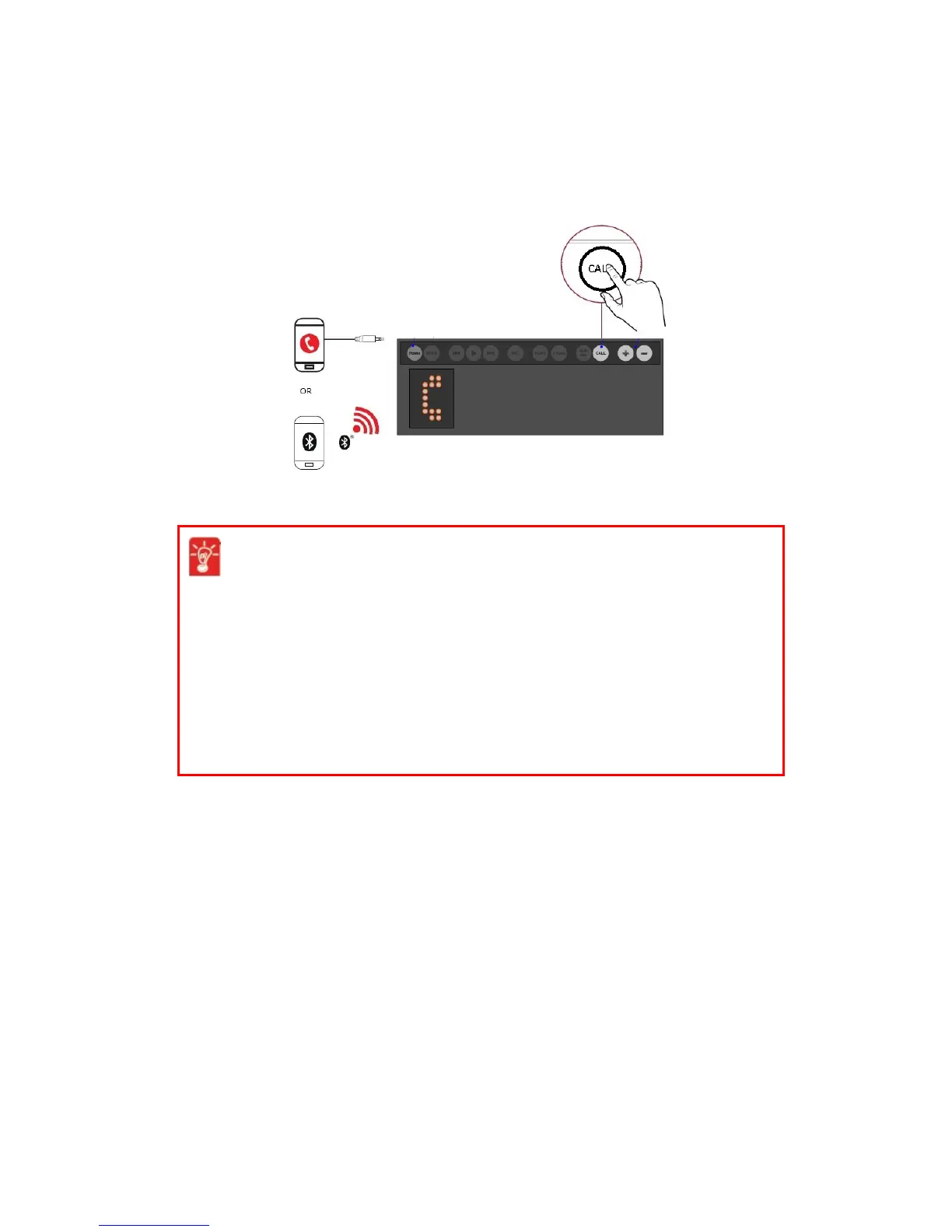
Answering and Ending Calls
When there's an incoming call, the call takes precedence over audio playback – playback stops and the
caller's phone number will be heard.
Press the Call button once to answer the call. Press again to end a call. The music will resume after the
call has ended.
When there's an incoming voice call,
l Accept call:Press CALL button
l Reject call:Press Powerbutton
l Mute/unmute ringer:Press Volume + or Volume - button
In an active voice call,
l End call:Press CALL or Power button
l Turn off/on internal mic:Press Mic Mute button
l Toggle between Voice FX options:Press Previous or Next button
Using Your Audio Device 17










 To Next Page