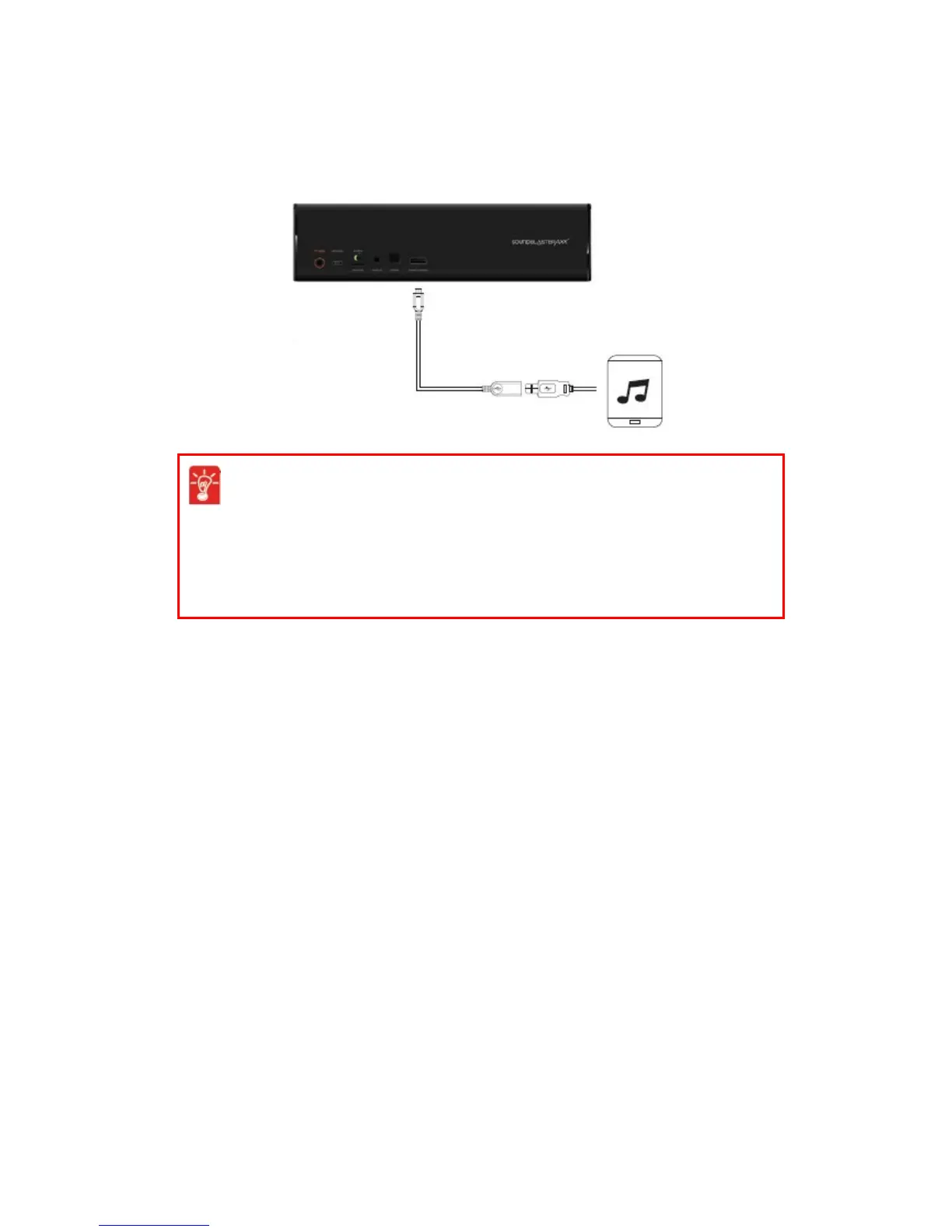
Charging Mobile Devices
The dual-purpose battery powers your iRoar and also charges your mobile device. Its Hyper
Chargingfeature charges your device two times faster than a standard USBport on a computer.
Simply connect a USB cable to the iRoar’s USB DC Out and the other end to your mobile device.
Optimize your charging
l The speaker will charge your mobile devices even when the speaker is off.
l When turned on, some mobile devices require a higher charging rate than
battery banks can typically provide. For the quickest charging time, turn off
your mobile device before charging it.
Using Your Audio Device 18










 To Next Page