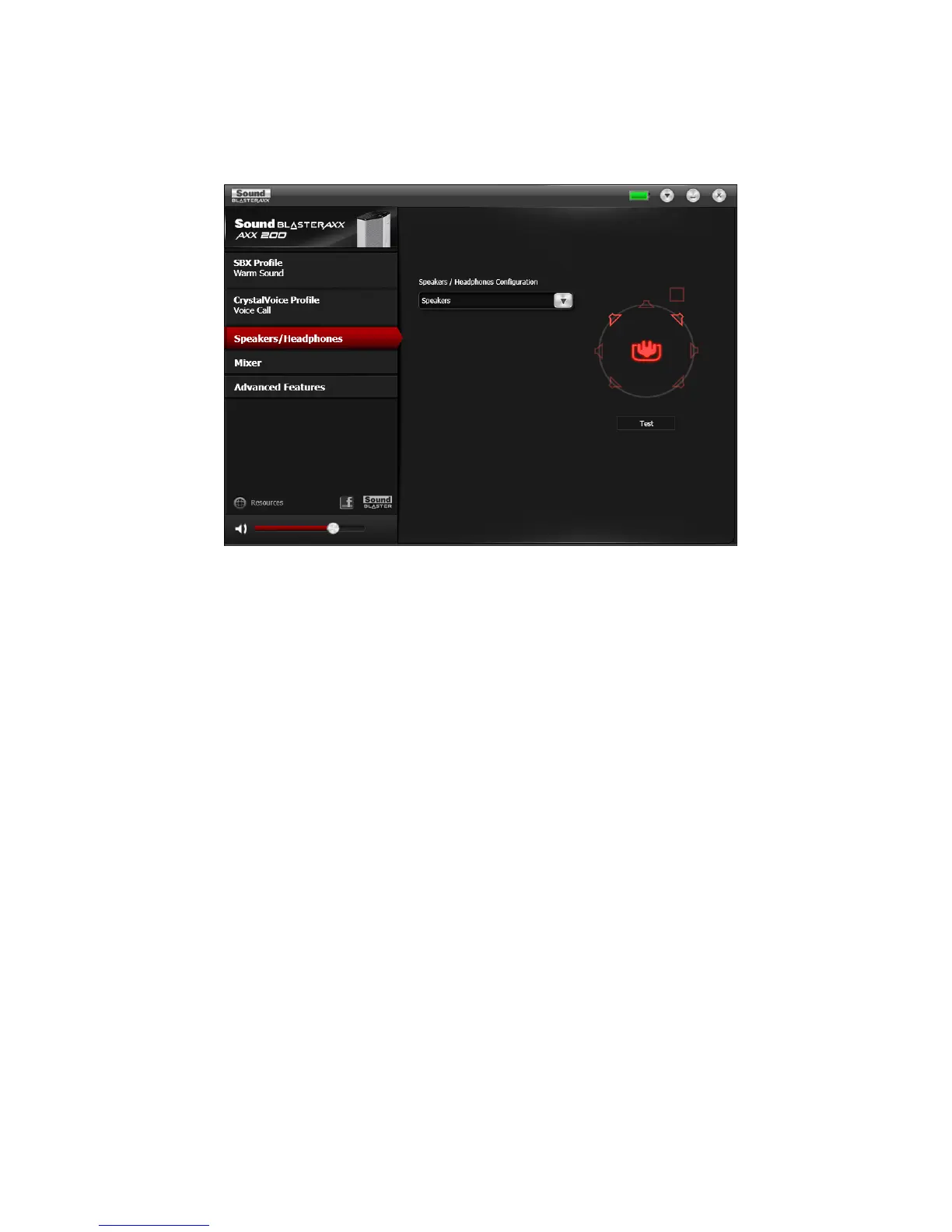
Speakers / Headphones Settings
Each iRoar is equipped with a headphone jack, allowing you to connect your favorite headphones to the
iRoar for audio output. Connecting headphones to the iRoar automatically mutes the speaker. From the
software, you can check whether audio is played via speakers or headphones.
1. View the current settings for the speakers / headphones.
2. Click Test to hear a sample audio clip played back based on the settings.
Using the Creative Software Suite 31










 To Next Page