13
Step 4: Setting the date and
time
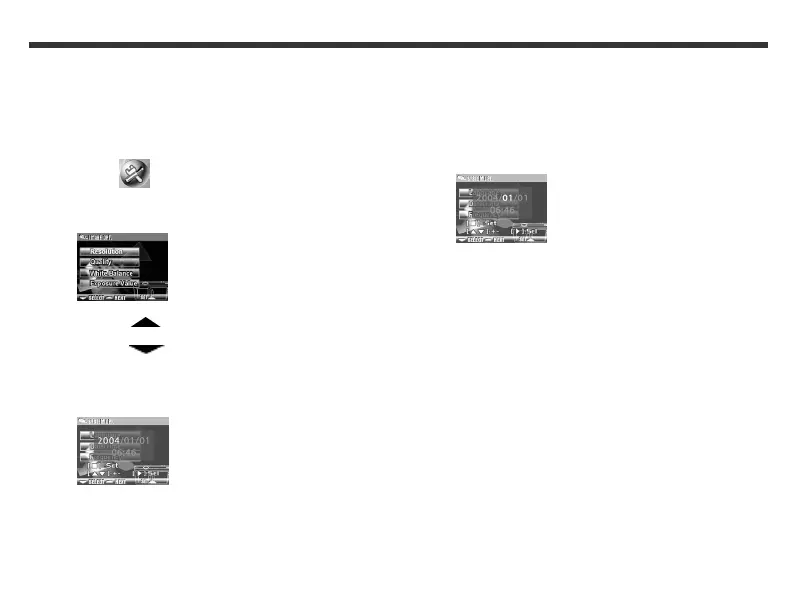
1. Press and hold the Mode button until the Mode
menu appears on the LCD screen.
2. Use the Function keys to select the Setup
Mode icon.
3. Press the Set button. The following LCD screen
appears.|
4. Use the Function key to select SYSTEM
OPT.
5. Use the Function key to select
Date/Time.
6. Press the Set button. The following LCD screen
appears.
7. Use the Function keys to adjust the date, and
then press the Mode display button. The
following LCD screen appears.
8. Use the Function keys to adjust the time, and
then press the Mode display button.
9. Press the Set button.



 To Next Page