8
About Your Camera’s Controls
LEDs
The LEDs located on your camera are described in
detail below:
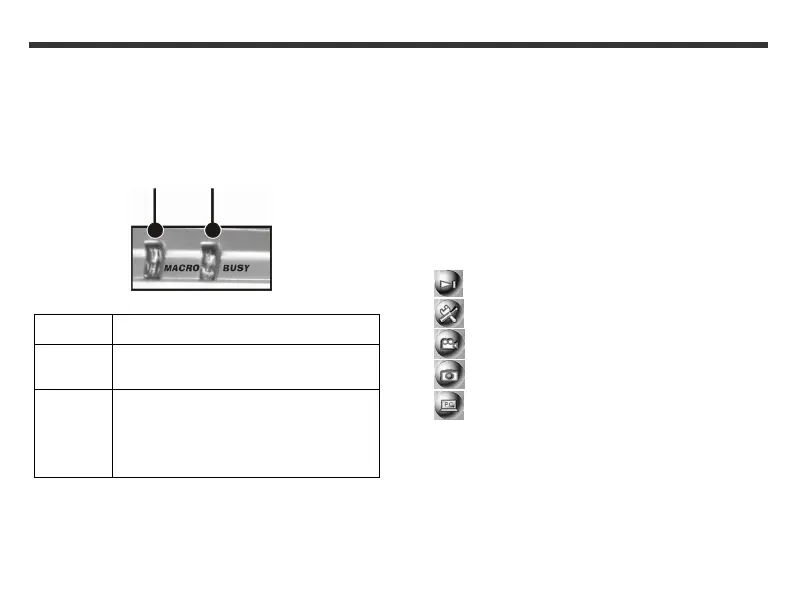
Macro LED Busy LED
LED Indication
Macro LED Lights up green when your camera is in
Macro mode.
Busy LED
Lights up red when your camera is
recording or when the batteries for the
flash lights are charging.
Blinks red every 10 seconds when your
camera is in normal standby mode.
Mode display button
To change the LCD screen display, press the Mode
display button. The LCD screen displays available are:
• Standard Display
• Full Display
• Image Only
• LCD Monitor Off
• Operation Settings Only
Mode button
To select a mode, press and hold the Mode button for at
least two seconds. The modes available are:
• Play mode
• Setup mode
• Movie mode
• Record mode
• PC mode



 To Next Page