17
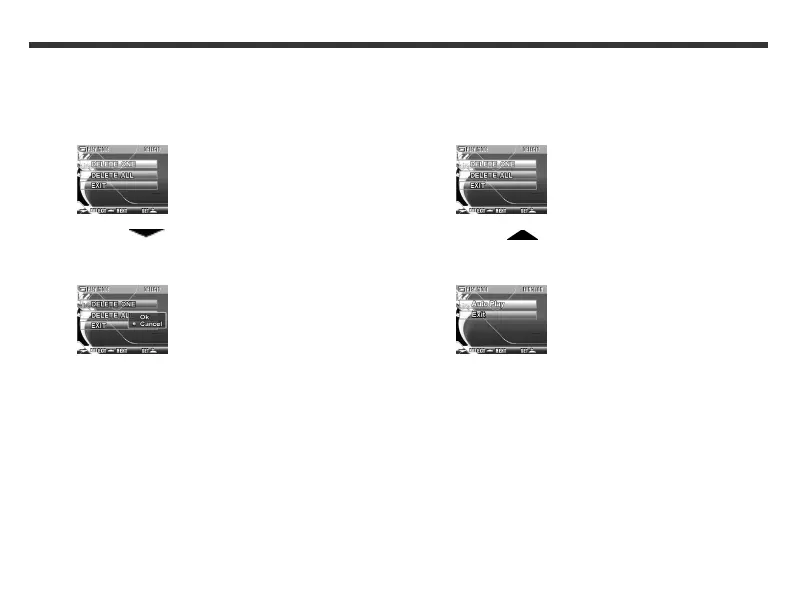
To delete all photos
1. In Play mode, press the Set button. The
following LCD screen appears.
2. Use the Function key to select Delete
All and press the Set button. The following LCD
screen appears.
3. Use the Function keys to select OK and press
the Set button. All photos in your camera are
deleted.
To view all photos as a slideshow
1. In Play mode, press the Set button. The
following LCD screen appears.
2. Use the Function key to select Auto Play
and press the Set button. The following LCD
screen appears.
3. Press the Set button. Your photos are displayed
as a slideshow.
4. To exit the slideshow, press the Set button.



 To Next Page