19
To print all photos
1. Make sure that your camera is connected to your
computer’s USB port and that your printer is
functioning properly.
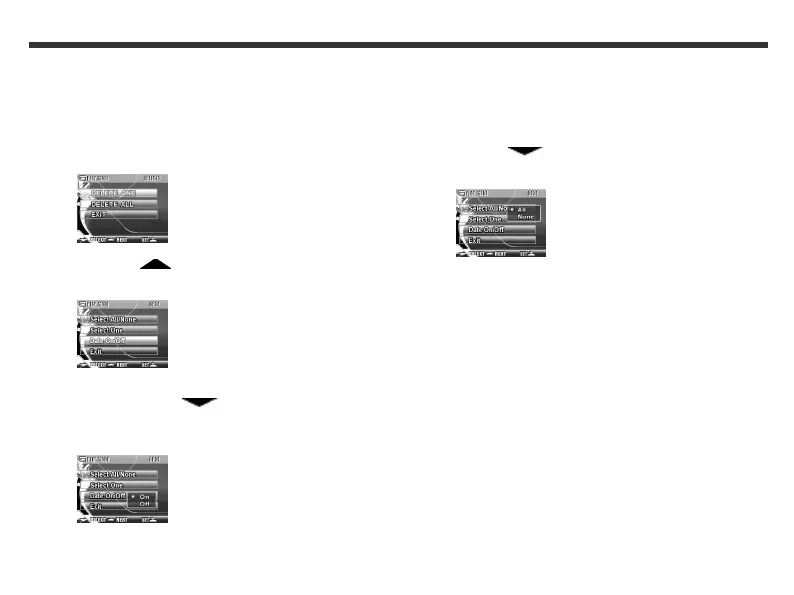
2. In Play mode, press the Set button. The
following LCD screen appears.
3. Press the Function key. The
following LCD screen appears.
4. If you want the date to appear in your printed
photo, press the Function key to select
Date On/Off, and then press the Set button.
The following LCD screen appears.
5. Use the Function keys to select On and if you do
not want the date to appear on your printed
photo, select Off.
6. Press the Set button.
7. Use the Function key to select Select
All/None. The following LCD screen appears.
8. Use the Function keys to select All, and then
press the Set button. All photos are printed.



 To Next Page