1.3.2 Dive History & System Information
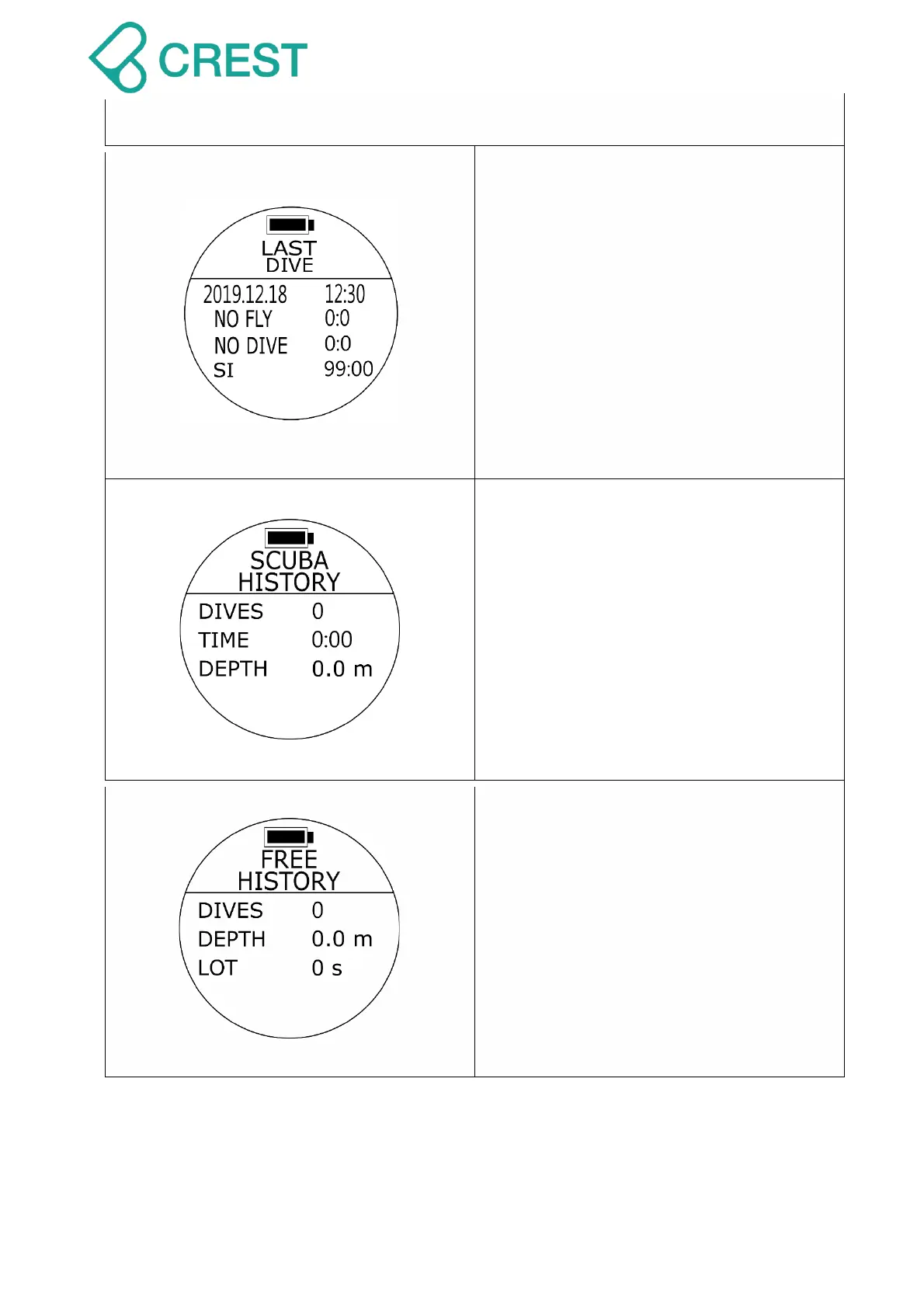
Description: Last Dive
Displays latest dive log:
Calendar date, Time;
NO FLY: No FLY recommendation time
countdown;
NO DIVE: NO DIVE recommendation
time countdown;
SI: Surface Interval time counting
(continues until diver starts a new dive).
To Access: Under Watch Mode, press
DOWN Button once.
Description: SCUBA HISTORY
Displays dives under Scuba Mode:
Dive counts
Accumulated dive time
Depth (Maximum Operating Depth)
To Access: Under Watch Mode, press
DOWN Button twice.
Description: FREEDIVING HISTORY
Displays dives under Freediving Mode:
DIVES: Dive counts
DEPTH: Maximum Operating Depth
(MOD)
LOT” Length of Time
To Access: Under Watch Mode, press
DOWN Button three times.



 To Next Page