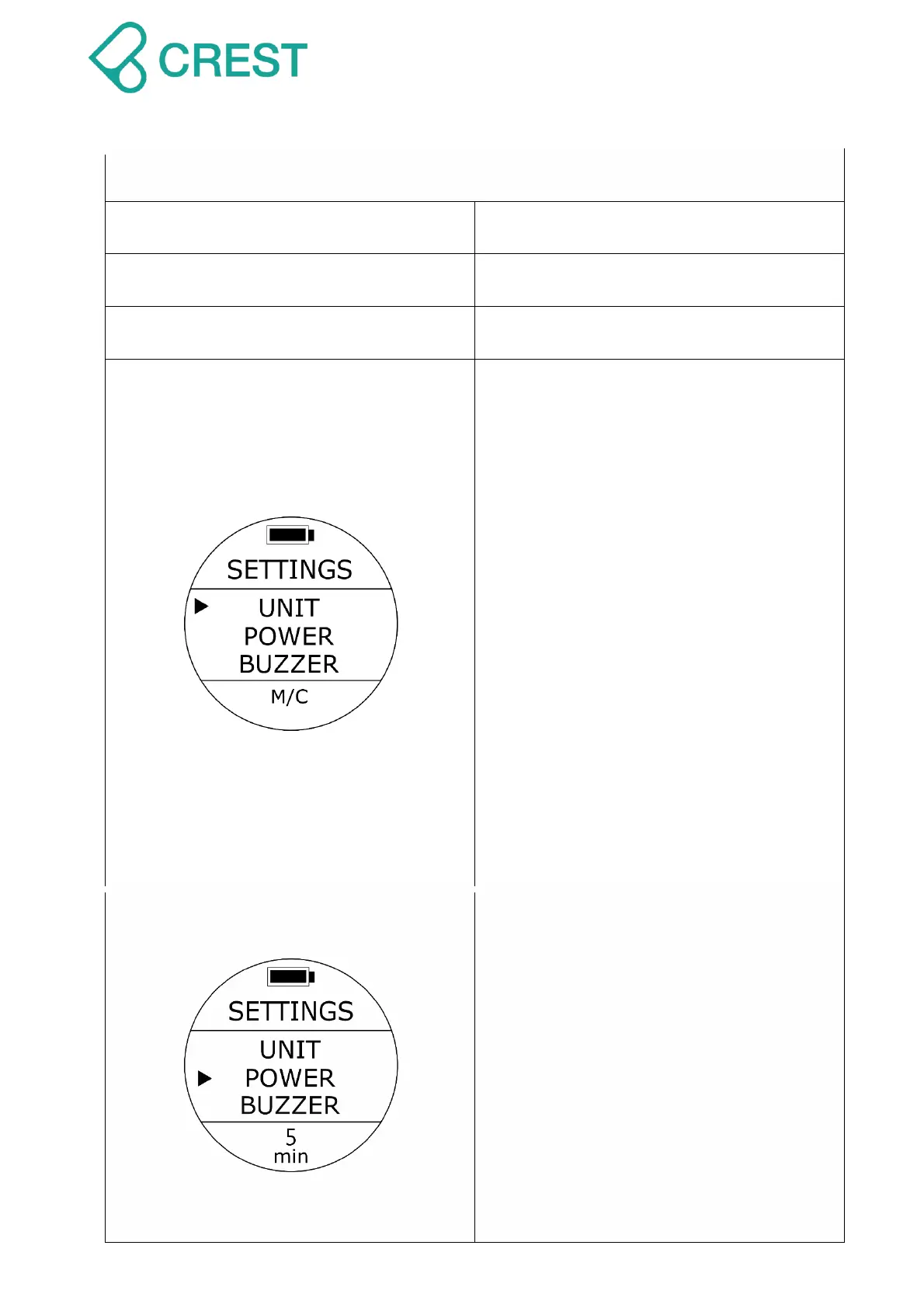
Description: Unit Setting (UNIT)
To Access: From SETTINGS, press the
UP Button / DOWN Button until the cursor
aligns with UNIT. Press MODE Button
once.
One of the UNIT options will be blinking at
the bottom. Press UP Button / DOWN
Button to select other options as needed.
Press MODE Button to accept your
selection.
Default: M/C
Setup range:
M/C: Metric (Meter and Celsius)
Ft/F: Imperial (Feet and Fahrenheit)
Note:
Changing this setting will affect all the
related displays. There will be round up
of values within calculations when
switching units.
Description: Auto Power Off Time
Setting (POWER)
To Access: From SETTINGS, press the
UP Button / DOWN Button until the cursor
aligns with POWER. Press MODE Button
once.
One of the POWER options will be blinking
at the bottom. Press UP Button / DOWN
Button to select other options as needed.
Press MODE Button to accept your
selection.
Default: 5 minutes.
Setup range:



 To Next Page