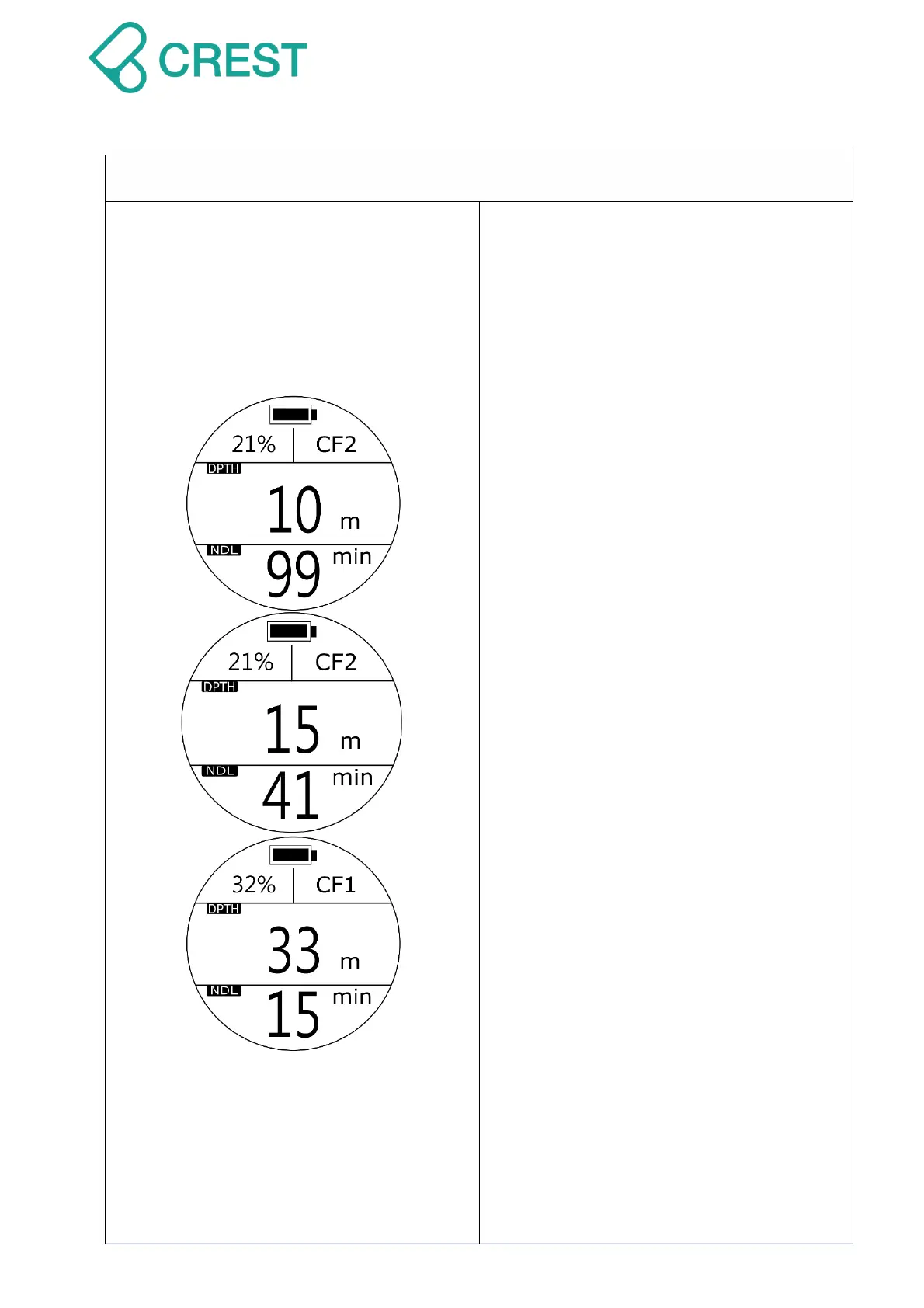
Description: Plan Mode
Up Left Corner (O2%): Oxygen percentage
value.
CF: Conservative. 3 levels to select:
CF-1(Conservative), CF-2(Normal), and
CF-3(Aggressive). Default: CF-2.
Depth (MOD): Maximum Operating
Depth suggestions.
NDL: The Non-Decompression Limit
time in minutes, will show 99 when NDL
exceeds 99 minutes.
Under Plan Mode, divers can check NDL
values and MOD limits and plan future
dives.
After O2% and CF values are set, Press
UP Button to change MOD, and NDL
values will vary accordingly.
Once you reach the depth limit for
recreational diving activities (40 m / 131
ft.), dive computer will not show further
values; once the preset PO2 value is
reached, there will be warning.
Note:
1. Changing settings of Scuba mode such
as: O2%, CF values and PO2 will affect
the calculation of NDL and MOD values
shown in Plan Mode.
2. Previous dives executed on this dive
computer and its residual nitrogen
calculation will be taken into
account.
3. Please make sure you receive proper
training and have adequate dive
equipment with you. You will need to
execute dive plans strictly and
understand the related risks using Plan
Mode.



 To Next Page