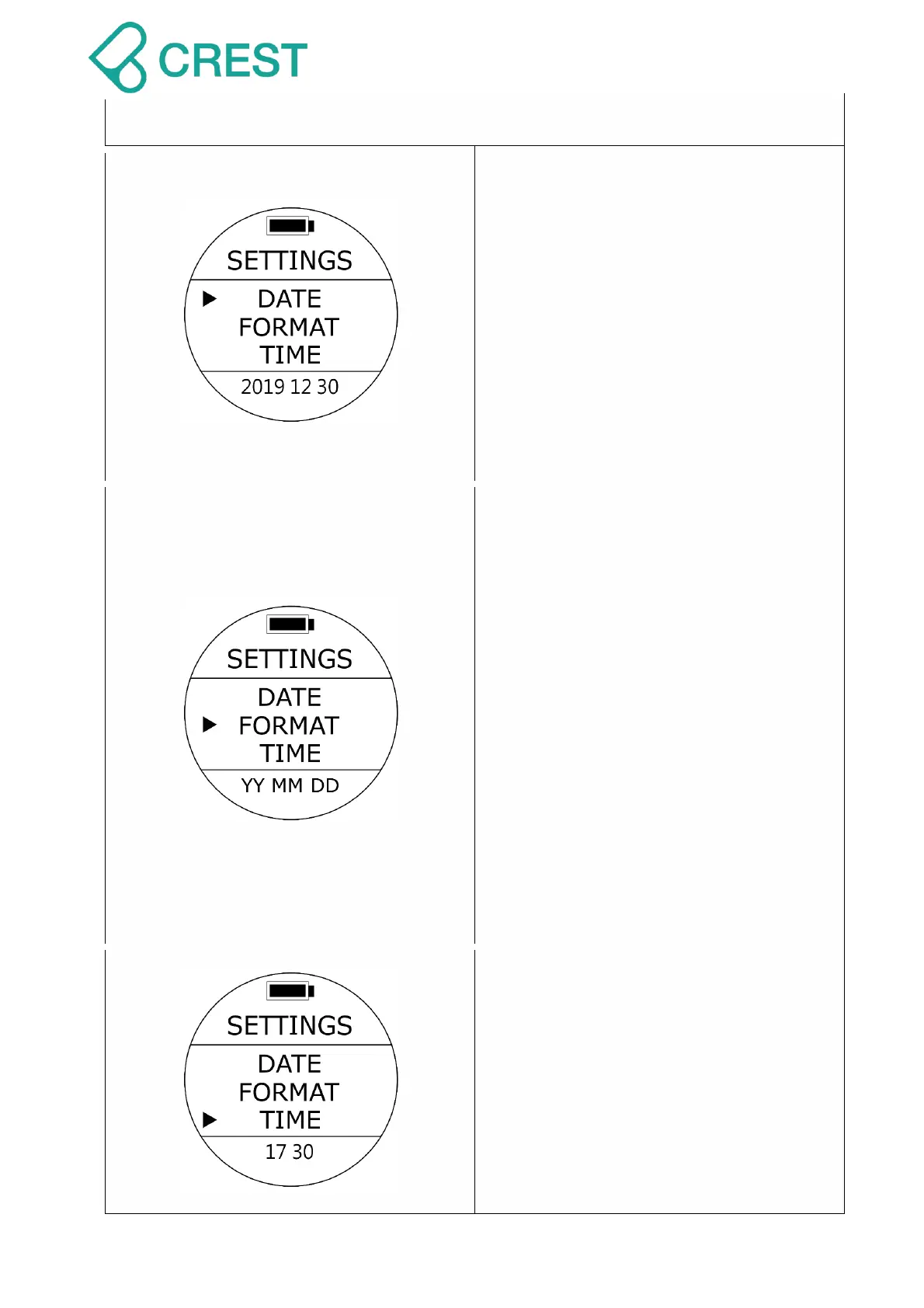
1.3.3 Watch Mode Settings
Description: Date Settings
To Access: Under Watch Mode, press the
UP Button once, and press UP Button /
DOWN Button to locate the cursor and
then press MODE Button once to select
the desired settings. The values at the
bottom of the screen will blink.
DATE Settings: Changes the values of 3
groups of digits corresponding to Month,
Day and Year using UP Button / DOWN
Button to select and accept the selection
with MODE Button.
Description: Date Format Settings
To Access: Under Watch Mode, press the
UP Button once, and press UP Button /
DOWN Button to locate the cursor and
then press MODE Button once to select
the desired settings. The values at the
bottom of the screen will blink.
DATE FORMAT Settings: Changes the
order in which the Day, Month and Year
are displayed on dive computer to
accommodate the region of the world you
live in. Use UP Button / DOWN Button to
select and accept the selection with MODE
Button.
Default: YYMMDD
Setup range:
YYMMDD / DDMMYY / MMDDYY
Description: Time Settings
To Access: Under Watch Mode, press the
UP Button once, and press UP Button /
DOWN Button to locate the cursor and
then press MODE Button once to select
the desired settings. The values at the
bottom of the screen will blink.
TIME Settings: Changes the values for
Hours and Minutes so the correct time can
be displayed on dive computer. Use UP



 To Next Page