EasyManua.ls Logo

Crest Audio CR4 - Data Synchronization Mode; Waiting for Connection; Synchronization Connected

Crest Audio CR4
52 pages
Print Icon
To Next Page IconTo Next Page
To Previous Page IconTo Previous Page
Loading...
Page 51
1.11 Synchronization Mode
Description: Synchronization Mode
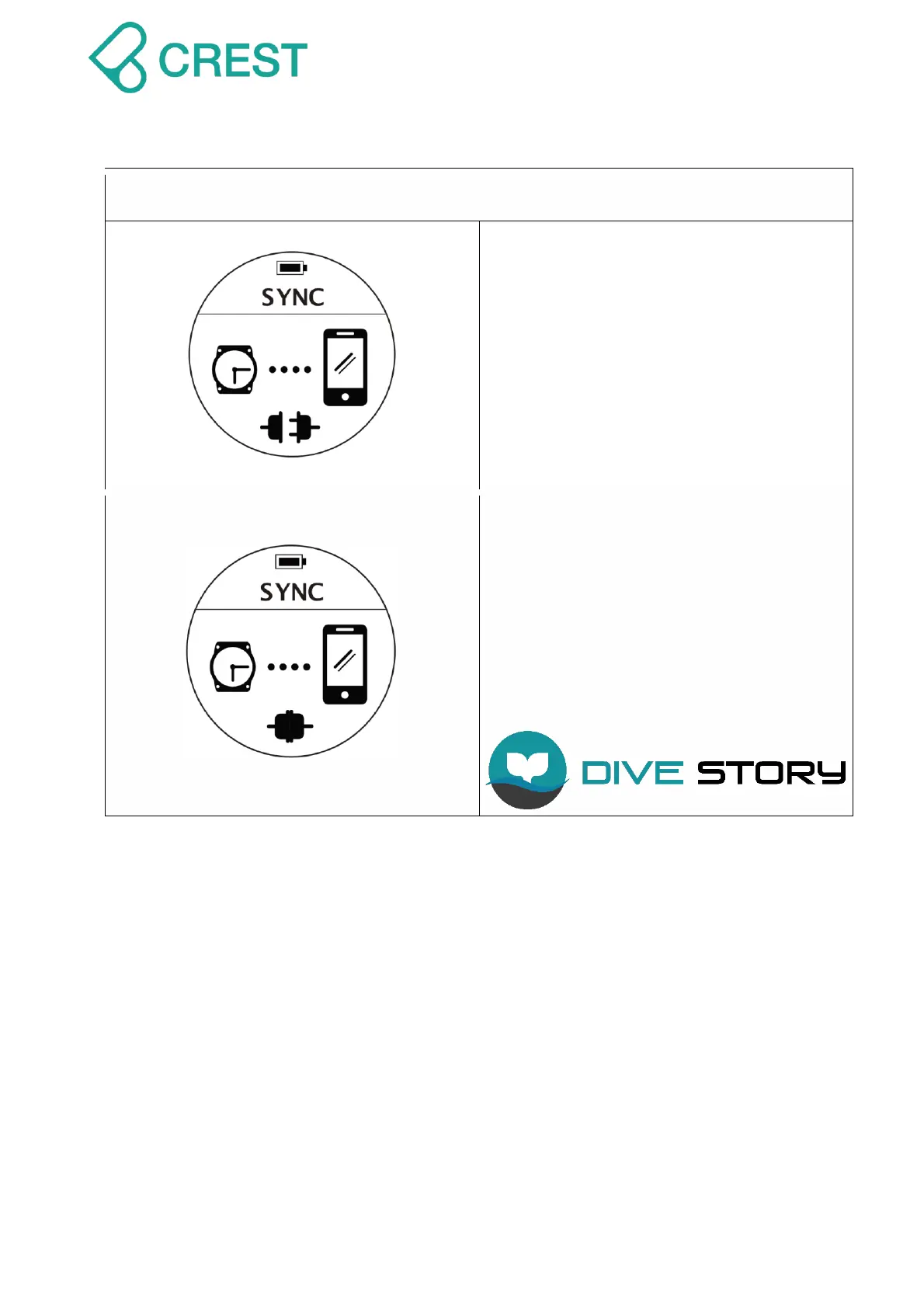
(SYNC) - Waiting for connection
To Access: Under Menu, press Mode
Button to select Synchronization Mode
(Sync Mode).
Dive computer will automatically go back to
Watch Mode after 60 seconds if there’s no
connection or you can press Power Button
once to exit.
Description
: Synchronization Mode
(SYNC) -
Connected
This display indicates that a wireless
connection has been established and
information can be transferred.

Search “Dive Story” on APPLE STORE and
Google Pay Store for our application
service:

Related product manuals