Button / DOWN Button to select and
accept the selection with MODE Button.
Note:
Please be aware that this dive computer
will not self-adjust for daylight savings
time.
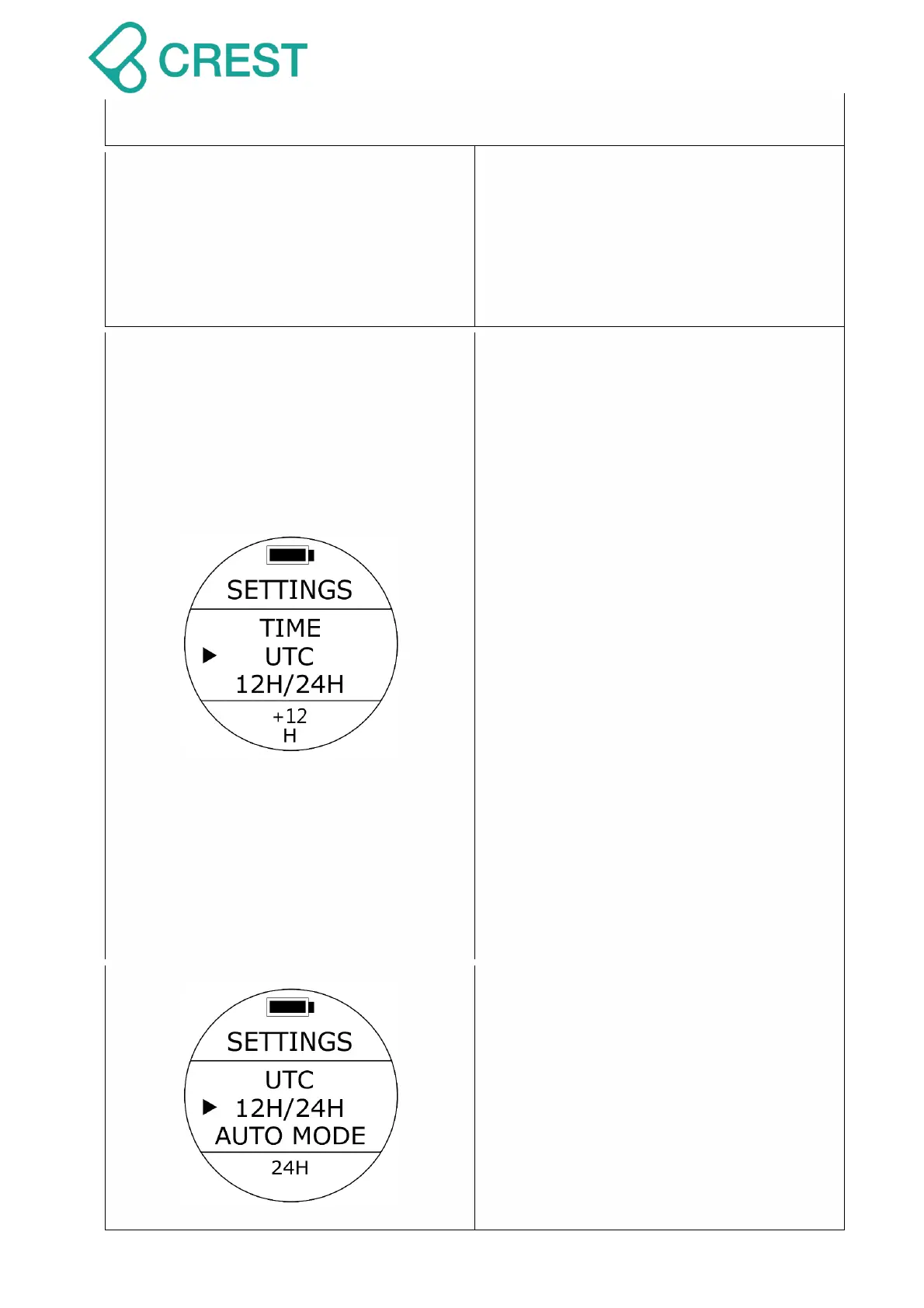
Description: UTC Settings (Coordinated
Universal Time Settings)
To Access: Under Watch Mode, press the
UP Button once, and press UP Button /
DOWN Button to locate the cursor and
then press MODE Button once to select
the desired settings. The values at the
bottom of the screen will blink.
UTC Settings: Change the values
corresponding with your particular time
zone with the UP Button / DOWN Button
and accept the selection with MODE
Button.
Default: UTC+8.
Setup range:
UTC -12 ~ +12.
Note:
Make sure you edit your CORRECT UTC
+ or - hours for your particular time
zone first then go to settings again and,
if needed, edit your TIME settings. If
you do it backwards, time will not
coincide & information will be
inaccurate.
Description: Time Format Settings
To Access: Under Watch Mode, press the
UP Button once, and press UP Button /
DOWN Button to locate the cursor and
then press MODE Button once to select
the desired settings. The values at the
bottom of the screen will blink. Use UP
Button / DOWN Button to select and
accept the selection with MODE Button.
Default: 24H



 To Next Page