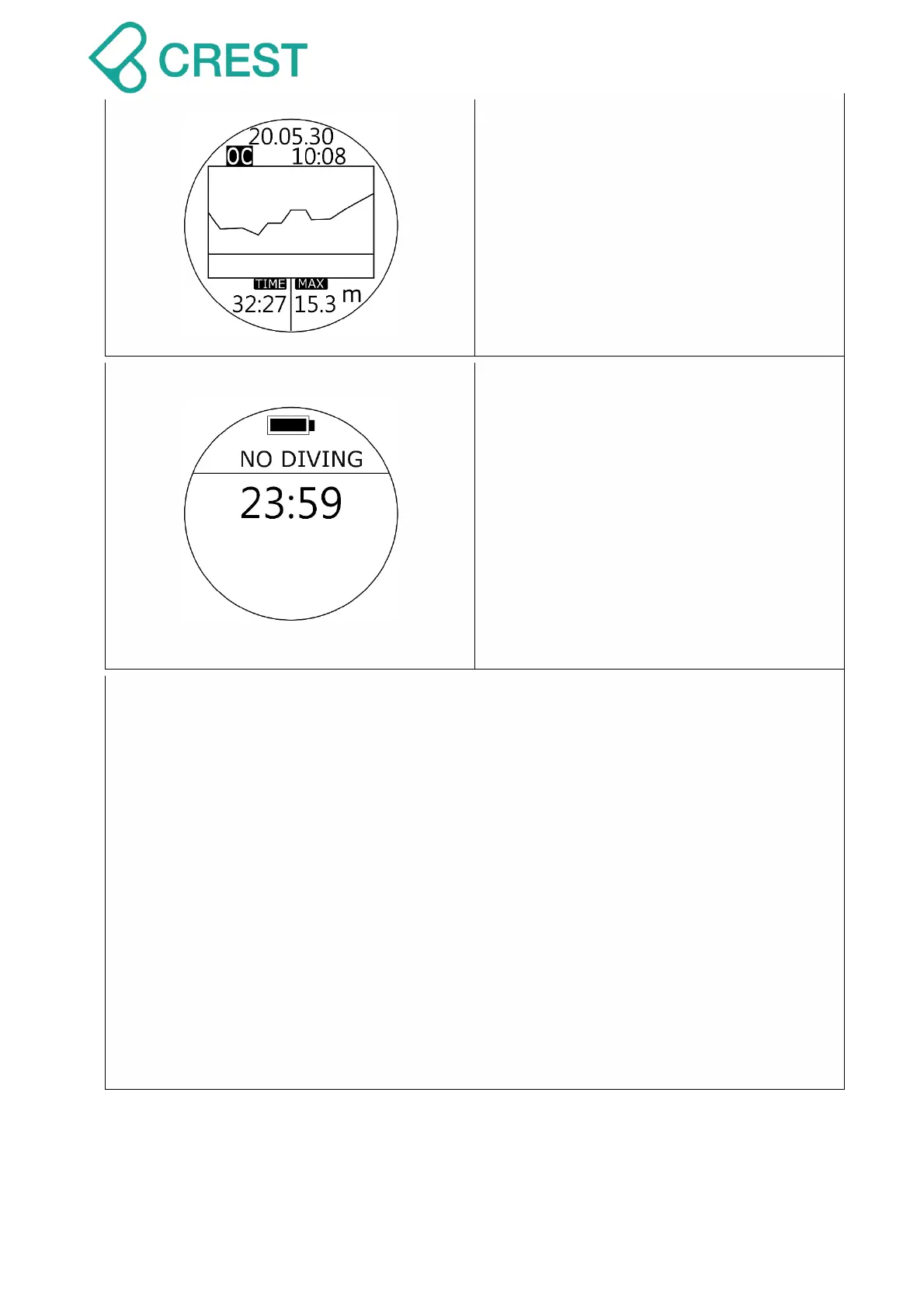
Description: Scuba Mode End
Screen will show Dive Profile of current
dive for approximately 1 minute.
To check entire history dive logs and dive
profiles, go to LOG Mode and press UP
Button / DOWN Button to scroll up or down
to view other logs, press MODE Button to
select designated dive and press UP
Button to see dive profile.
Description: Scuba Mode – No Diving
If NO DIVE recommendation time
countdown shows on the screen, DO
NOT continue diving activities.
For exact NO DIVE recommendation time
countdown please check Dive History
page.
Note:
Scuba Mode, Freediving Mode and Plan
Mode will remain locked during NO
DIVE recommendation time countdown.
Decompression Diving Warning for Recreational Divers:
Decompression options provided by dive computer and presented in this user manual
should only be used as emergency procedures when a NDL limit has been accidentally
surpassed.
It is important to remember that decompression stops are driven by both depth and NDL
violations. It is possible to see several decompression stop indications at different
CEILING depths and different times depending how severe the depth and NDL violations
have been.
Decompression diving is not an activity that should be performed by recreational divers
as a standard practice. Decompression diving requires extensive training, deep
knowledge of diving physics and diving physiology and several pieces of extra gear and
sufficient gas supply to safely perform the required decompression stops.
We strongly discourage recreational divers from performing decompression diving.



 To Next Page