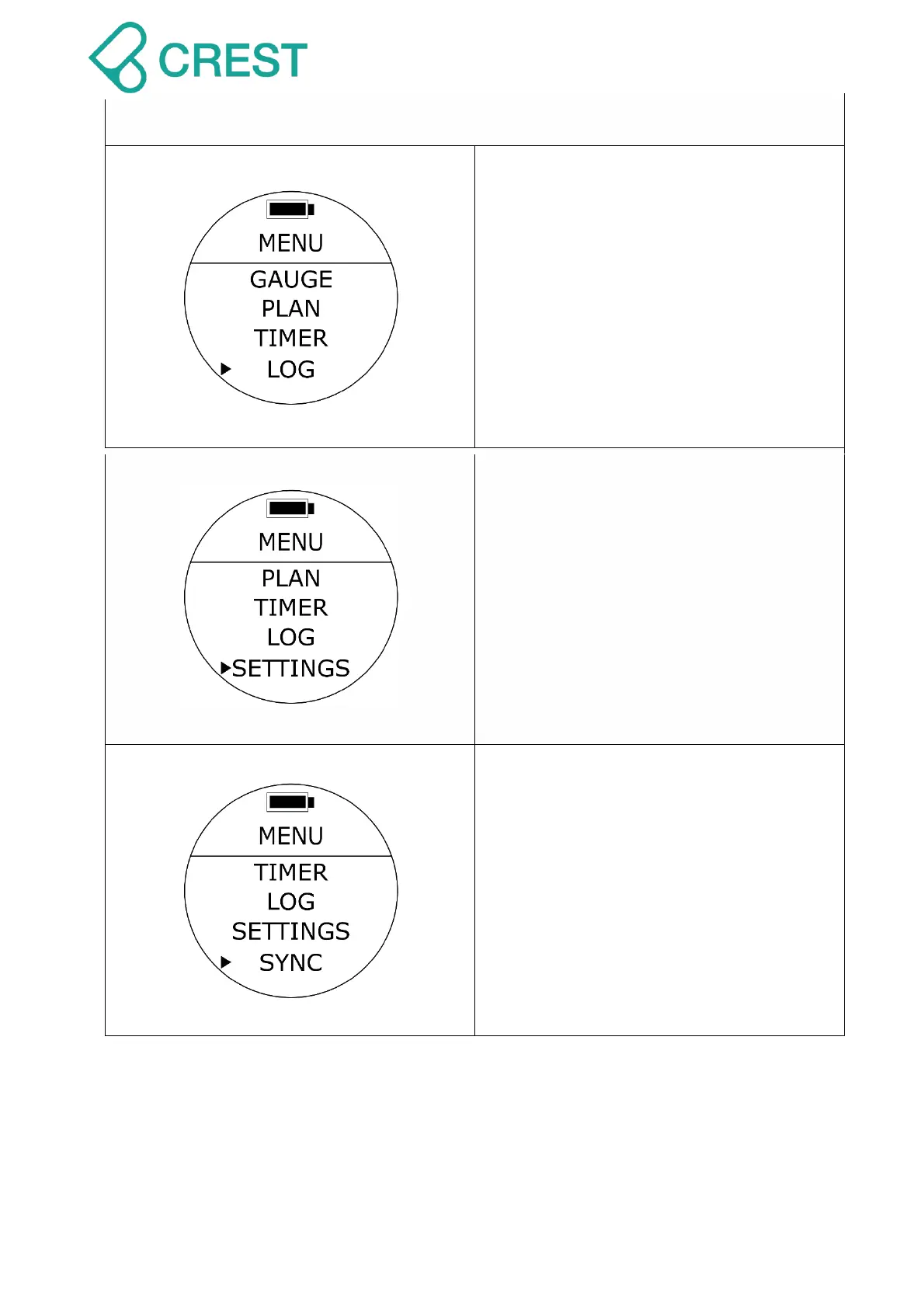
Description: Dive Logs
To Access: Under Menu, press Mode
Button to select Log Mode.
To Exit: Press Power Button once.
Description: Settings
To Access: Under Menu, press Mode
Button to select Settings.
To Exit: Press Power Button once.
Description: Synchronization Mode
(SYNC Mode)
To Access: Under Menu, press Mode
Button to Select SYNC Mode.
(Synchronization Mode).
This function will activate the wireless sync
transmission. The watch will broadcast
signals as long as it is turned on and the
screen icon shows a blinking dotted line.
To Exit: Press Power Button once.



 To Next Page