Product Manual — Doc. 9020C AirMedia® Series 3 Receivers • 62
page5). This username and password will be saved and must be entered when reconnecting to
the receiver in the future.
CAUTION: Do not lose the administrator username and password, as the receiver settings
must be restored to factory defaults to reset the username and password. To restore the
device to factory defaults, refer to Restore (on page9).
Use the following Authentication Management settings to add, delete, and edit users and
groups.
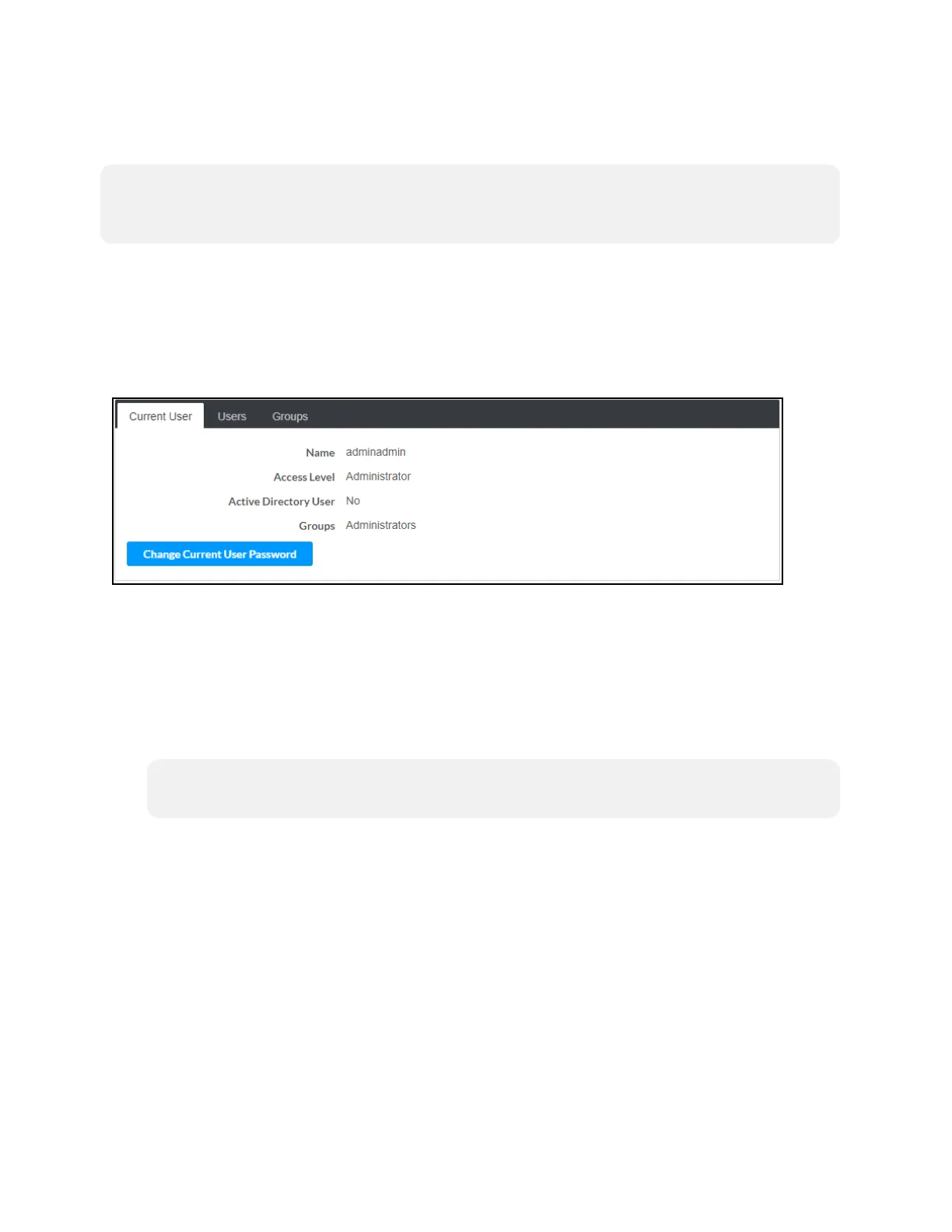
Current User
Select Current User to view and edit information for the current receiver user.
Authentication Management - Current User
The following settings are displayed for the current user:
l
Name: The chosen username
l
Access Level: The access level granted to the user (Administrator, Connect, Operator,
Programmer, or User)
l
Active Directory User: Reports whether the current user is (Yes) or is not (No)
authenticated through Active Directory® software
NOTE: A user must be added to an Active Directory group before the user may be
selected as an active directory user. For more information, refer to Groups (on page65).
l
Groups: Any groups of which the current user is a member















 To Next Page