15
View or Configure Ethernet Settings
View or configure Ethernet settings and control system information on the Ethernet
Setup page. The page also enables connection of the switcher to the Crestron XiO
Cloud™ service, backward compatibility between a CPU3 and CPU card, content LAN
mode, and SSL (Secure Sockets Layer).
The Ethernet Setup page opens automatically after accessing the web interface for the
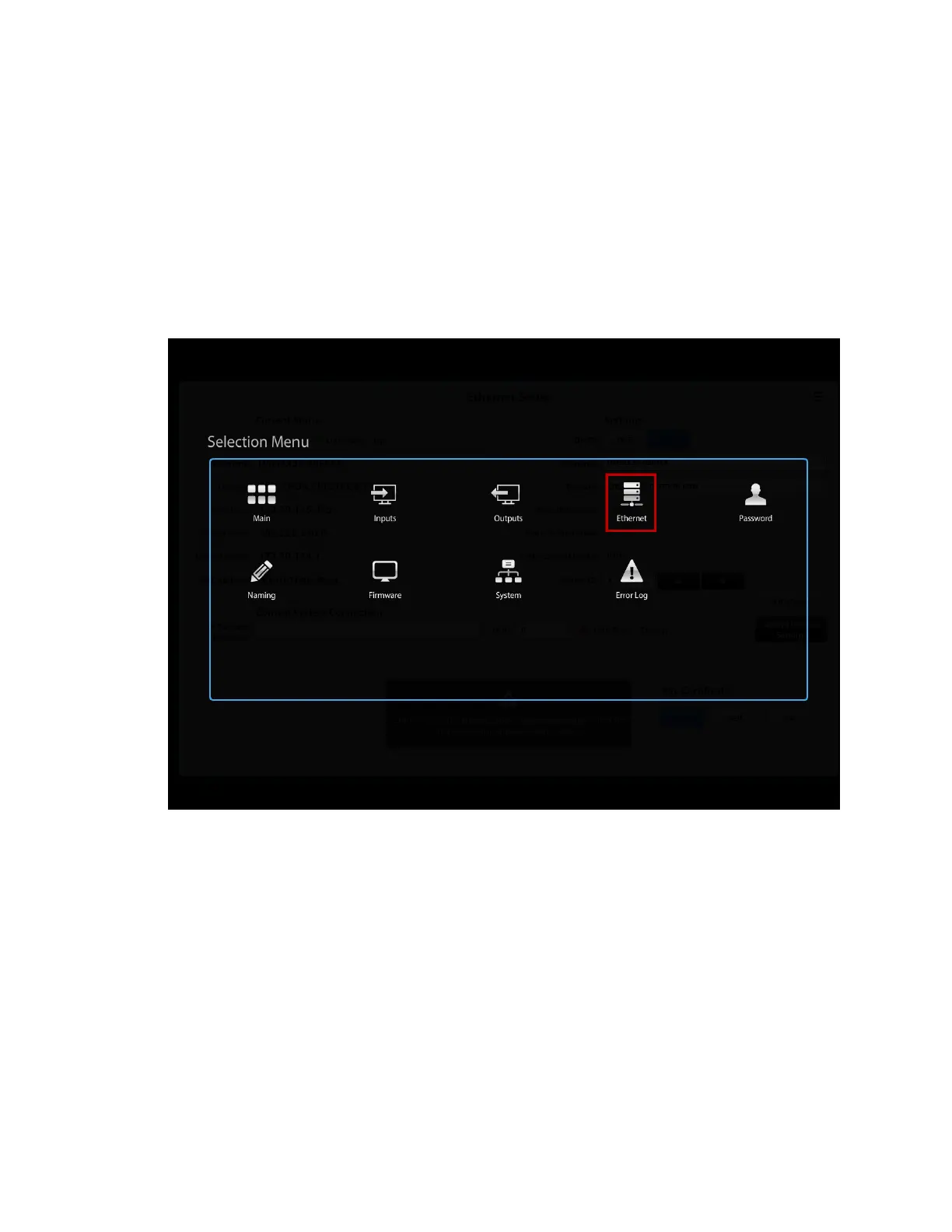
first time. If the Ethernet Setup page is not currently displayed, click the Ethernet icon
on the Selection Menu page.
Selection Menu Page – Ethernet Icon
The Ethernet Setup page opens.



 To Next Page
 Loading...










