29
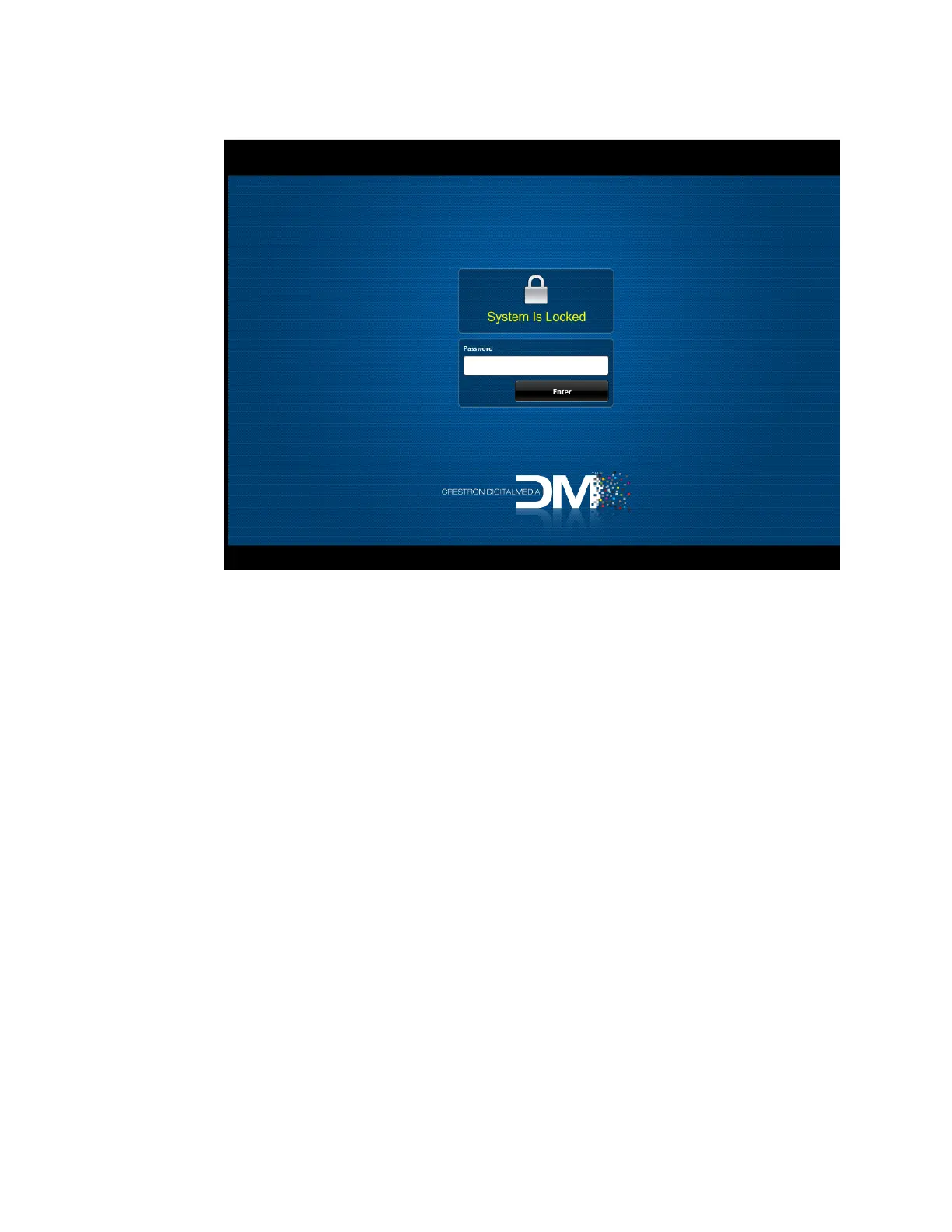
System Is Locked Dialog Box
6. In the Password text box, enter the password and then click Enter. The Selection
Menu page opens.
Edit Input and Output Names
Default names are assigned to the inputs and outputs based on input and output
numbers. The numbering of inputs and outputs corresponds to the input and output
locations on the rear of the switcher. If desired, input and output names can be edited by
using the Naming page of the web interface.
To access the Naming page:
On the Selection Menu page, click the Naming icon.



 To Next Page
 Loading...










