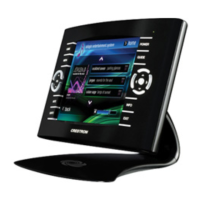
Crestron TPS-6X Series Isys™ 5.7” Wireless Touchpanels
When all settings have been entered, touch RETURN to go back to the main
ETHERNET SETUP menu and touch Reboot required for setting to take effect.
Reboot Now.
WIRELESS
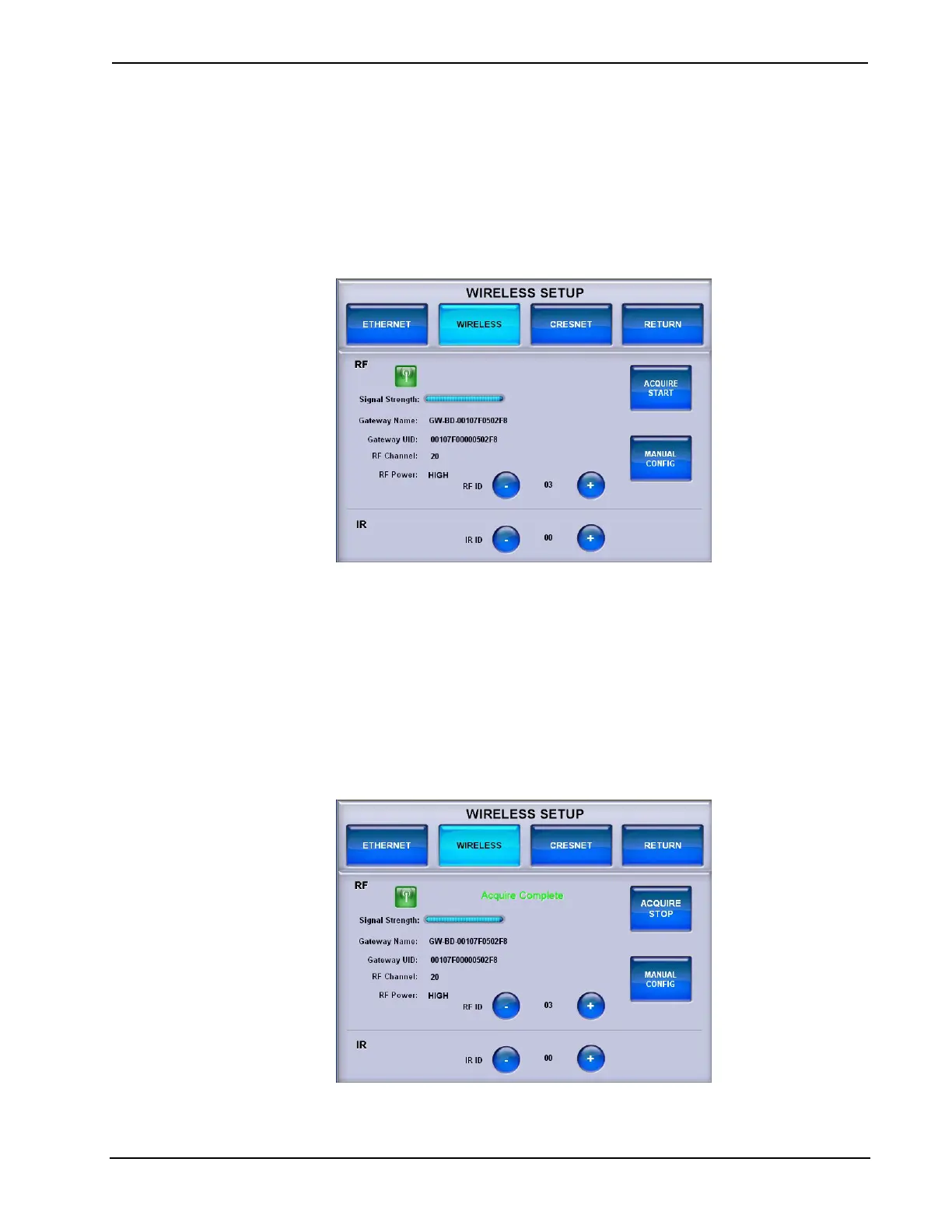
Touch WIRELESS to enter the WIRELESS SETUP menu.
WIRELESS SETUP Menu
The WIRELESS SETUP menu displays RF connection status, signal strength,
gateway name and UID, RF channel and RF power settings. – and + controls are
provided to set the RF ID and IR ID.
The ACQUIRE START button is used in conjunction with the ACQUIRE button
on the CEN(I)-HPRFGW gateway (sold separately) to place the TPS-6X in Acquire
mode. Refer to the “Operation” section of the CEN-HPRFGW High Powered RF
Gateway Operations & Installation Guide (Doc. 6587) for details.
When the acquire process is complete, the menu will display an Acquire Complete
message, as shown in the following illustration.
WIRELESS SETUP Menu (Acquire Complete)
Operations Guide – DOC. 6875B Isys™ 5.7” Wireless Touchpanels: TPS-6X Series • 27



 To Next Page
 Loading...