Product Manual — Doc. 8555F TS-70 Series • 145
User Details
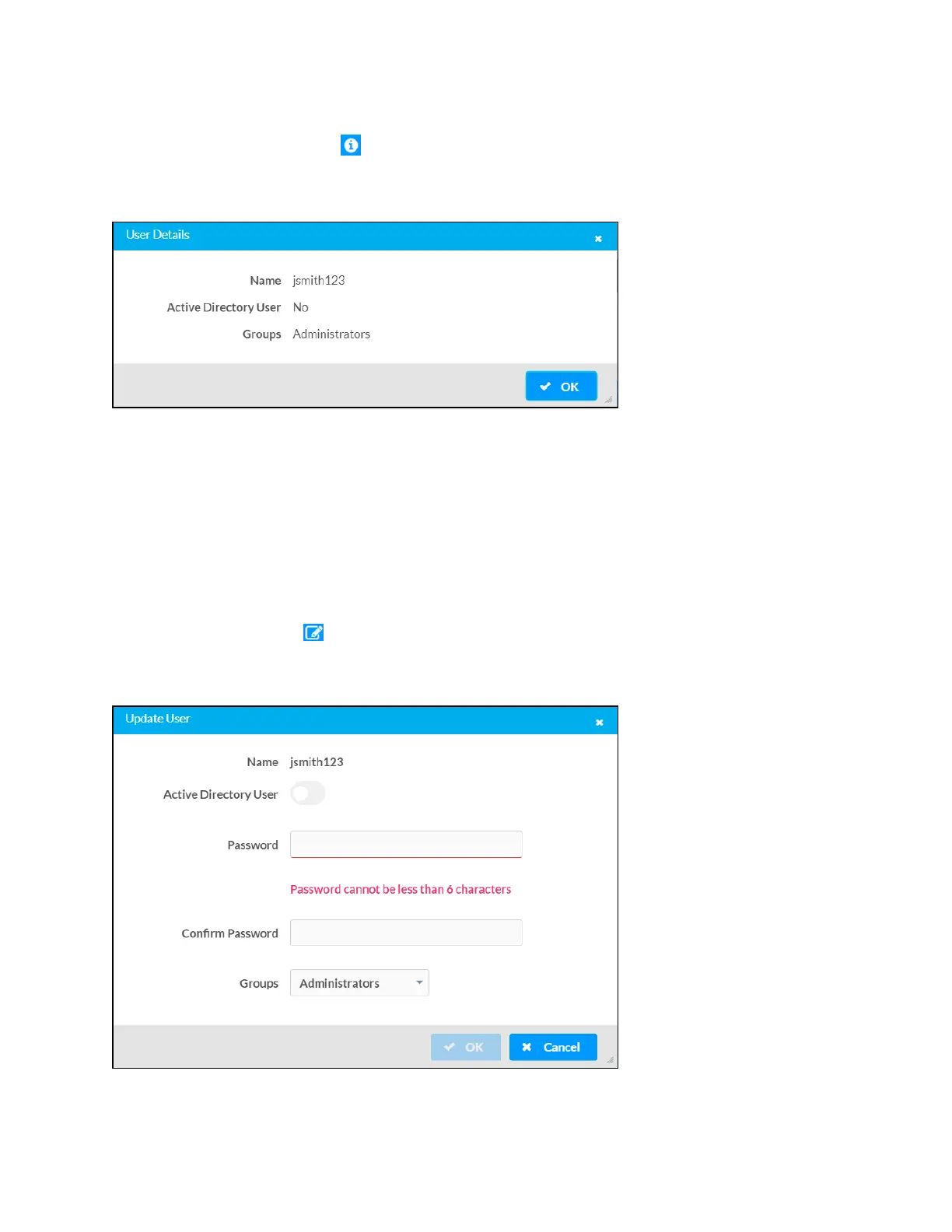
Select the information button in the Actions column to view information for the selected user.
The User Details pop-up dialog box is displayed.
User Details Dialog Box
The following settings are displayed for the current user:
l
Name: The chosen username
l
Active Directory User: Reports whether the user is (Yes) or is not (No) authenticated
through Active Directory
l
Groups: Lists any groups that contain the user
Select OK to return to the Authentication Management > Users page.
Update User
Select the editing button in the Actions column to edit settings for the selected user. The
Update User dialog box is displayed.
Update User Dialog Box












 To Next Page