Product Manual — Doc. 8555D TS-770 and TS-1070 • 33
MicTest
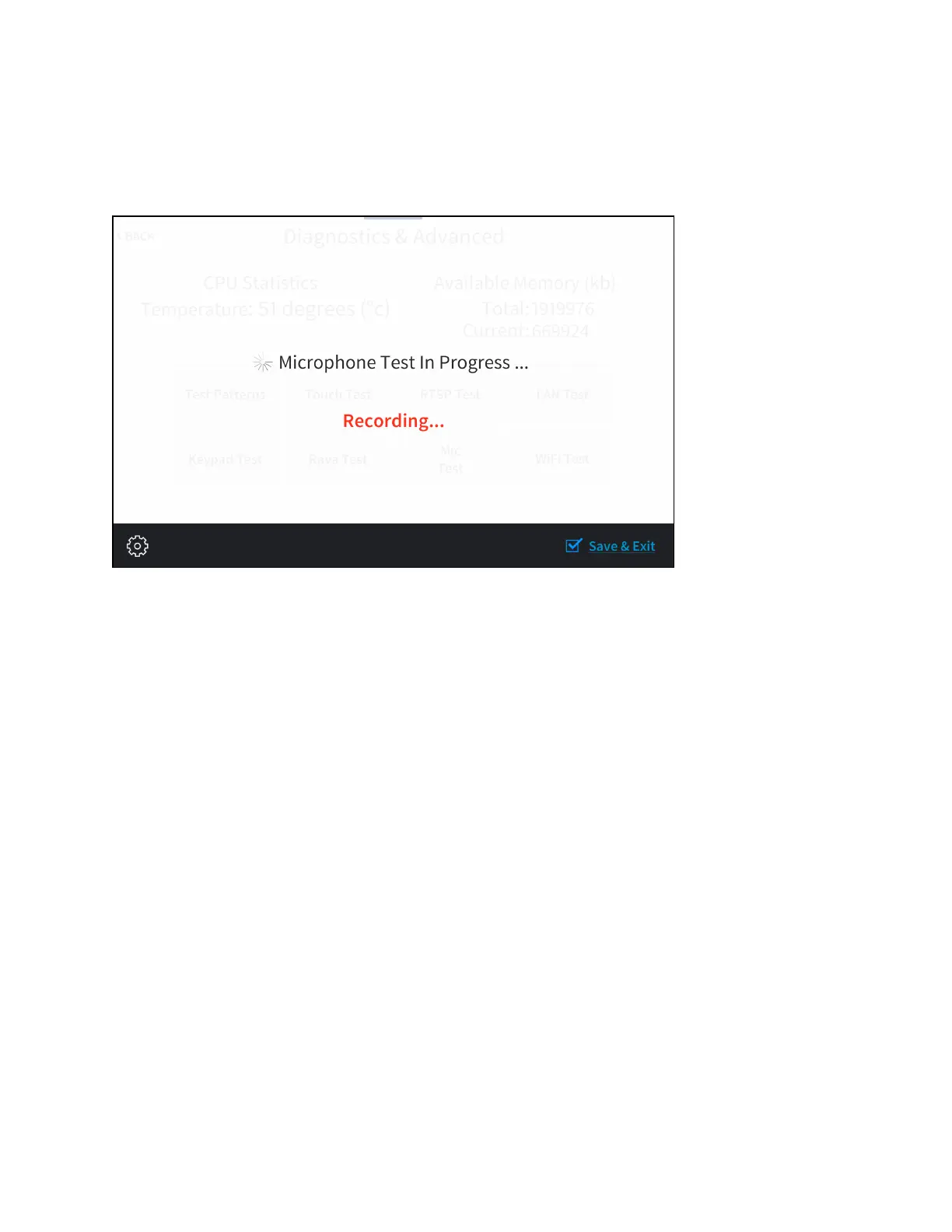
Tap Mic Test on the Diagnostics & Advanced screen to begin a microphone test.
Mic Test Screen
During a microphone test, the built-in microphones record sound for five seconds and then play
the sound back to confirm that the microphones are functioning. This test is performed twice:
The first test records and plays sound back from the left microphone, and the second test
records and plays sound back from the right microphone.
When the second playback is finished, the display automatically returns to the Diagnostics &
Advanced screen.
Tap < BACK on the Diagnostics & Advanced screen to return to the Setup screen.











 To Next Page