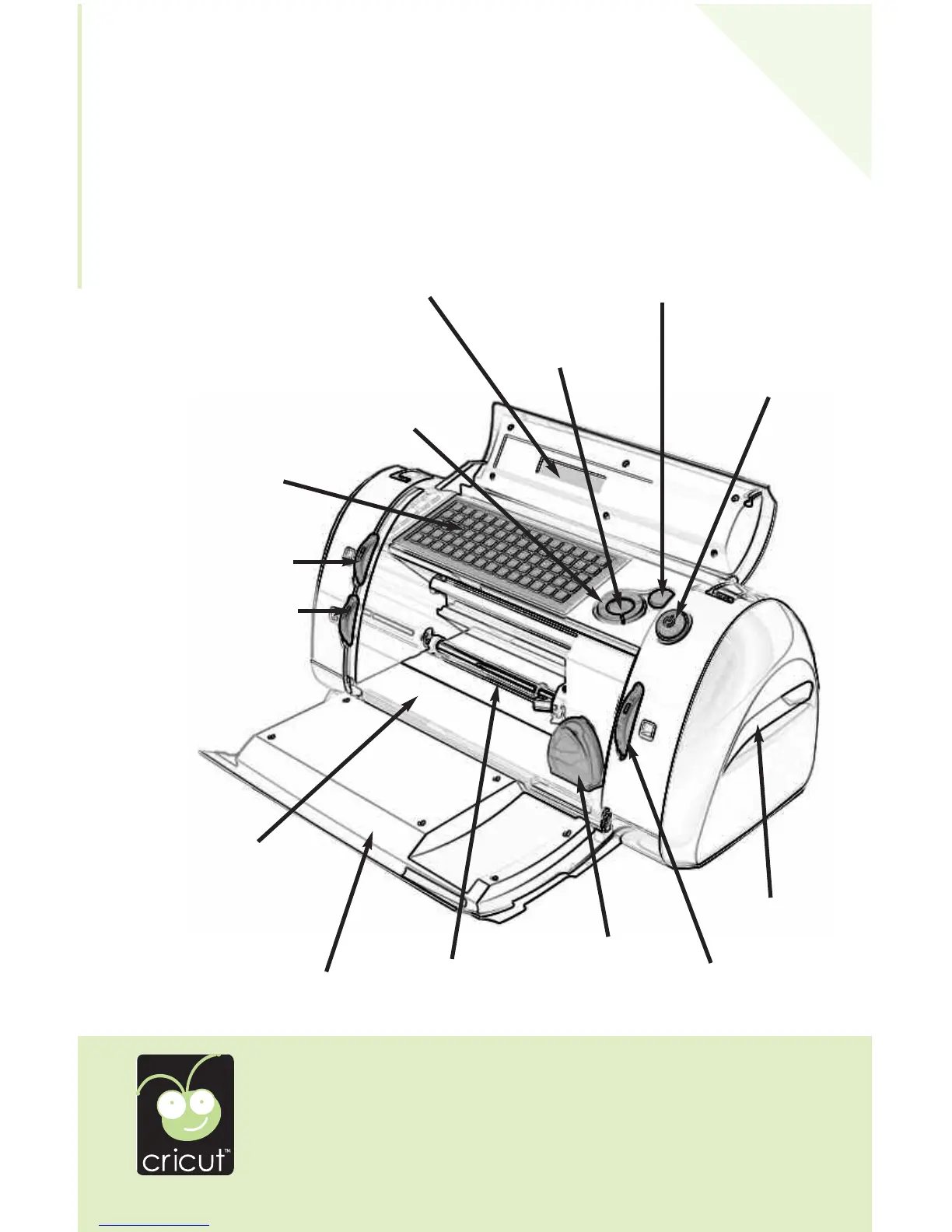
On Button
STOP Button
CUT Button
Blade Navigation Buttons
LCD Screen
Keypad
Speed Dial
Pressure Dial
Deck
Side Handles
Cartridge
Size Dial
5
E
N
GL
ISH
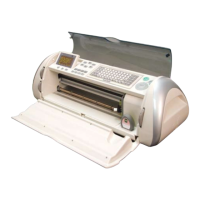
The illustration below will help you become familiar with your Cricut™ machine.
All the buttons, keys, and components shown will be described in more detail later on.
The Cricut
™
Personal Electronic Cutter
™
WARNING: Disconnect electrical power before servicing or cleaning. DO
NOT place your fingers or other objects in the Cricut™ machine while
connected to electrical power
, powered on, or during cutting opera
-
tions. Rapid movements of the cutting carriage during operation may
cause bodily injury and/or damage to the Cricut™ machine.
Door
Roller Bar


 To Next Page