AUTOMATIC RAMP/SOAK PROGRAM OPERATION
The following section covers the basics on how to create a new automatic ramp/soak program, running a
previously saved program and stopping a currently running program. For further instruction on automatic
ramp/soak programs, reference the Automatic Ramp/Soak Program Operation section in the provided EZT-
430S User Manual.
Sample pro• les have been provided from CSZ preloaded on the EZT-430S controller in order to provide an
example of a completed pro• le.
Creating a New Automatic Ramp/Soak Program (Icon Based Navigation)
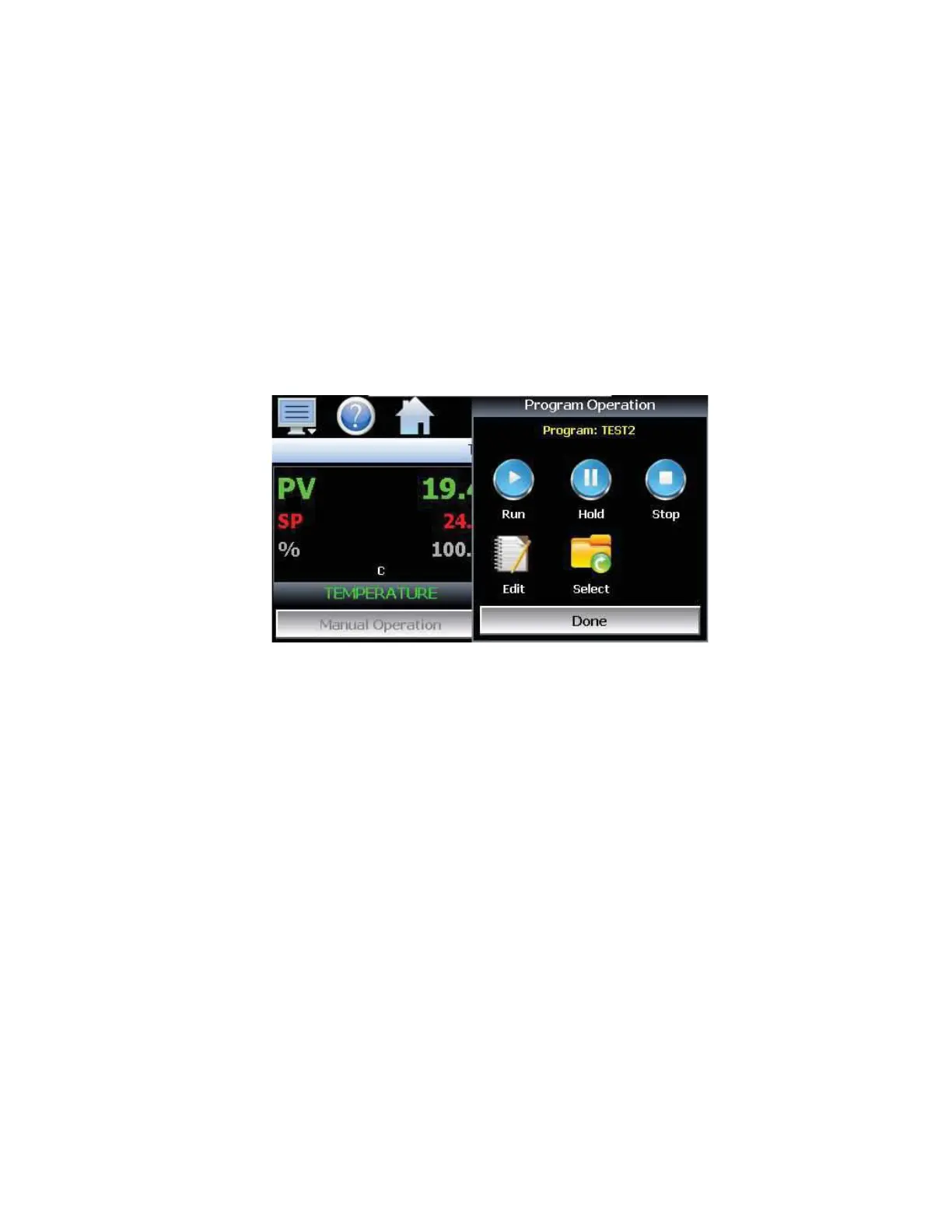
To create a new automatic ramp/soak program from the home screen, press the Program Operation button,
then select the Edit icon.
Once at the Program Entry screen, use the following instructions for programming an automatic ramp/soak
program:
1. Enter the number of steps for the program you want to create.
Note: The number of steps can be changed at any time while programming a profi le in order to
shorten or lengthen the profi le as required. Profi les can be from 2 to 64 steps in length.
2. Designate the desired ramp and soak time intervals by selecting the drop-down and selecting
either hh.mm for hours and minutes or mm.ss for minutes and seconds.
3. To scroll between each step, select the right arrow to go to the next step or select the left arrow to go
to the previous step.
4. Select the Event button(s) to enable the speci• c events for the designated step.
5. Repeat the instructions 2 – 4 for all steps to be programmed.


 To Next Page