CTI 2572-B / 2500C-2572-B Installation and Operation Manual 29
7.3. WX/WY Command Block Interaction
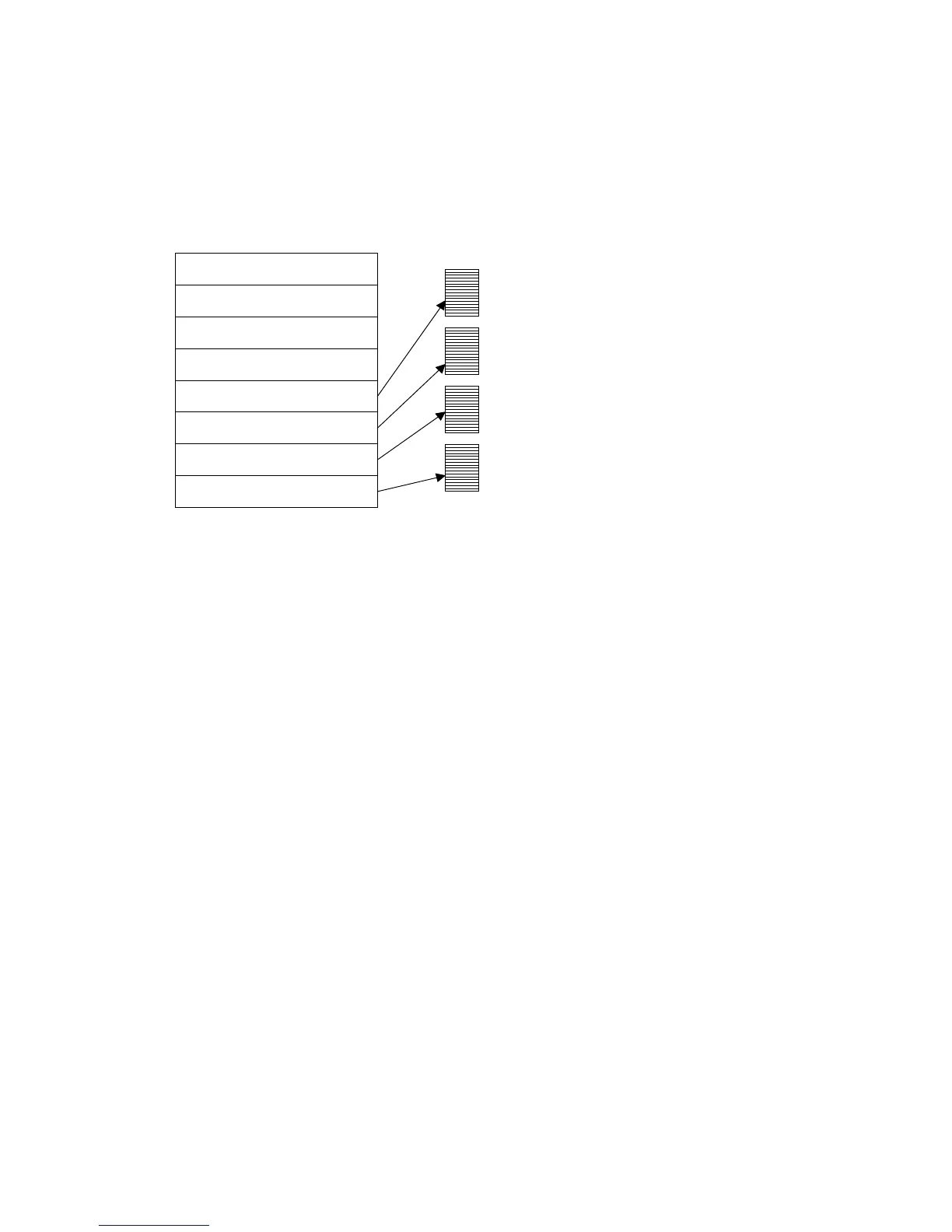
The following illustrates how the module WX/WY words and the command blocks are used.
MODULE STATUS WORD
COMMAND STATUS WORD
MODULE CONTROL WORD
COMMAND CONTROL WORD
COMMAND SLOT 1
COMMAND SLOT 2
COMMAND SLOT 3
COMMAND SLOT 4
MODULE WX/ WY
COMMAND
BLOCKS
WX1
WX2
WY3
WY4
WY5
WY6
WY7
WY8
To use the module command interface, your PLC logic should:
1. Load a Command Slot with the address of the desired command block,
2. Set a corresponding trigger bit in WY4 to cause the 2572-B to read the command block and execute
the command.
3. Monitor the execution of the command by examining the contents of the command status bits in
WX2.
4. If an error occurs, acknowledge the error and take corrective action.
Please refer to APPENDIX B. PLC COMMAND INTERFACE for a complete description of the command
interface.



 To Next Page