CTI 2572-B / 2500C-2572-B Installation and Operation Manual 32
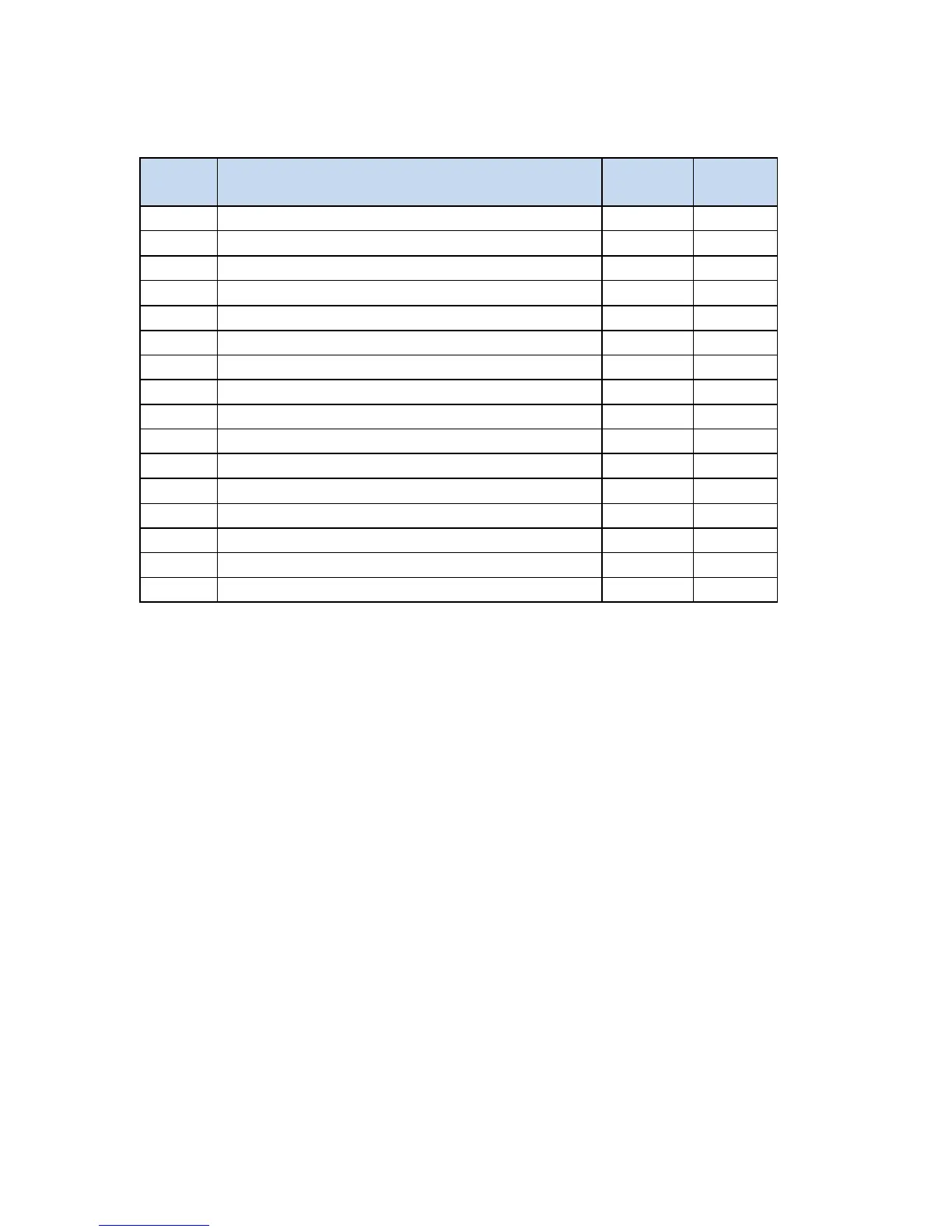
Start Network Services Command Block
Offset Description Hex
Decimal
Command (Start Network Services)
Connection Number (19291 - 19299)
IP Address of this Module (High 16 bits)
IP Address of this Module (Low 16 bits)
IP Address of Default Router (High 16 bits)
IP Address of Default Router (Low 16 bits)
Subnet Mask (High 16 bits)
Subnet Mask (Low 16 bits)
IP Multicast Receive Address (High 16 bits)
IP Multicast Receive Address (Low 16 bits)
Offset 0 Error Word – Your logic should set this word prior to initiating a new command 0 so that any
previous error code is cleared.
Offset 1 Command Code - The Command for Start Network Services is 4.
Offset 2 Connection Number - You should set this to number in the range of 19291 to 19299 to
prevent inadvertent conflict with any client connections you may create. The value of
19298 is used in CTI examples.
Offset 3 Protocol Manager Number - Protocol Managers control the operation of the product
communications protocols. Protocol Manager 35 (23 hex) selects PLC Network Services.
Offset 4 Unused- This word is not used by the 2572-B module.
Offset 5 Unused- This word is not used by the 2572-B module.
Offset 6-7 IP Address Offset 6 should contain the high 16 bits of the module IP address. Offset 7 should
contain the low 16 bits of the IP address. An IP address of 0.0.0.0 (0000 0000 hex) or greater
than 223.255.255.255 (DFFF FFFF hex) is will return an error.
Offset 8 TCP/UDP Port - This will be the port number used to connect to the 2572-B PLC Server
application. The examples in this manual assume that this will be set to 1505 decimal, which
is a de-facto standard for 2572 and 2572-A modules. In new applications, you may consider
using port 4450, which is a CTI registered port number for CAMP services. A port number of
0 is invalid.



 To Next Page