CTI 2572-B / 2500C-2572-B Installation and Operation Manual 34
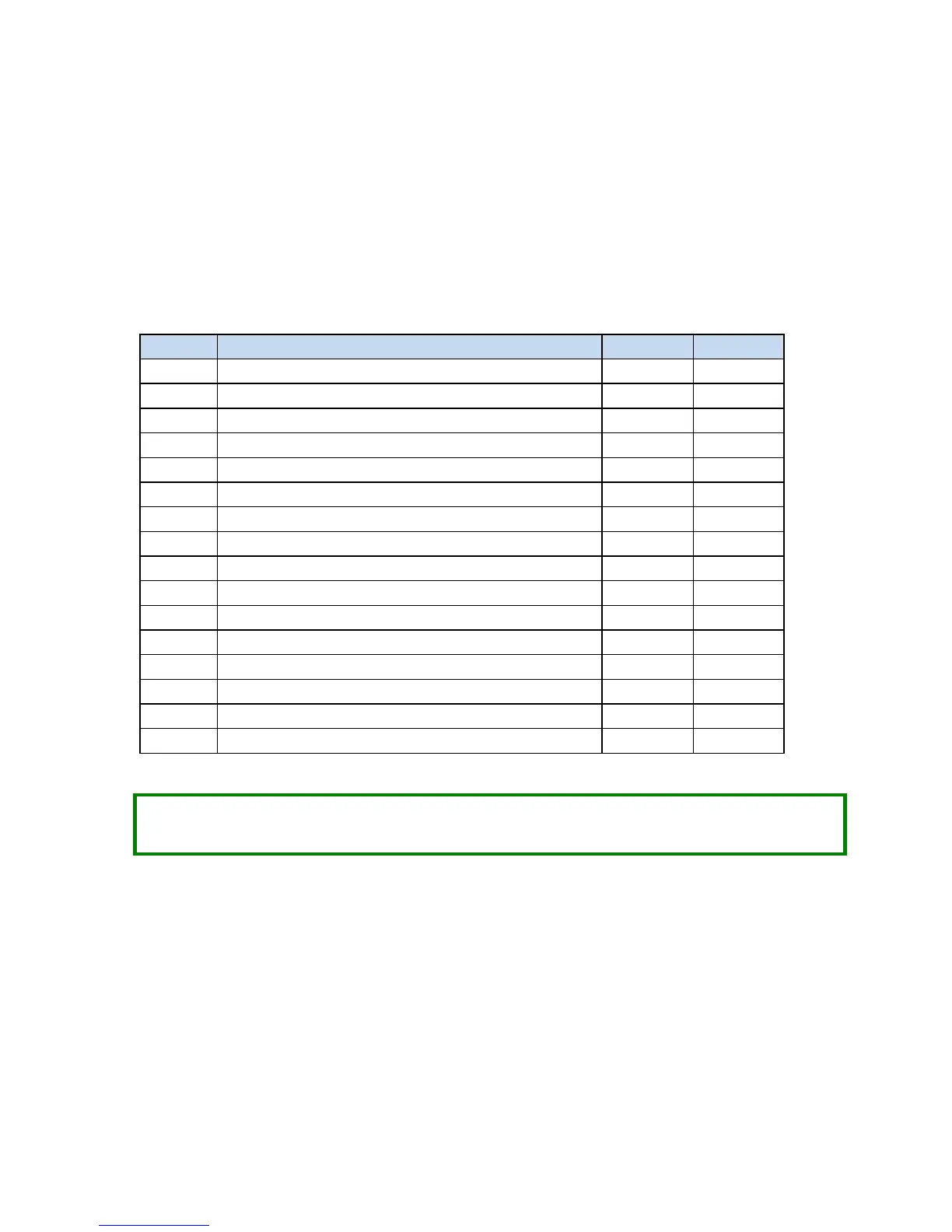
Start Network Services Command Block Example
The following command block can be used to start up the 2572-B network server at IP address 192.168.177.08
(in hexadecimal notation this is C0.A8.B1.08). The server is set up to listen on TCP/UDP port number 1505.
The IP address of the default router is 192.168.177.241 (hex equivalent C0.A8.B1.F1).
To enter the IP addresses, you will find it much easier to enter the values in hexadecimal (hex) format. When
the V memory display is set to hex, you enter the hex equivalent of the first number in the high byte of offset
6 and the hex equivalent of the second number in the low byte of offset 6. Similarly, the third and fourth
numbers in the address are entered in the high and low byte of offset 7.
Command (Start Network Services)
Connection Number (19291 -- 19298)
IP Address of this Module (High 16 bits)
IP Address of this Module (Low 16 bits)
IP Address of Default Router (High 16 bits)
IP Address of Default Router (Low 16 bits)
Subnet Mask (High 16 bits)
Subnet Mask (Low 16 bits)
IP Multicast Address (High 16 bits)
IP Multicast Address (Low 16 bits)
NOTE:
This command block should be executed only when the module is starting up. The 2572-B will set
the Network Configuration Required bit (WX1.3) to indicate that this is necessary.



 To Next Page