CDR-3250/80 TECHNICAL MANUAL
Issue 2.2 3-17
3-7.2.5.1 Assigning AGC Decay Time Values to Soft Key Labels. The AGC soft key labels may be assigned different values
from the AGC table using the ASSIGN function. To assign the AGC labels, select the GAIN - NEXT - TABLE soft key menu
as shown below. Rotate the main adjustment knob to select the desired AGC time as shown in the display.
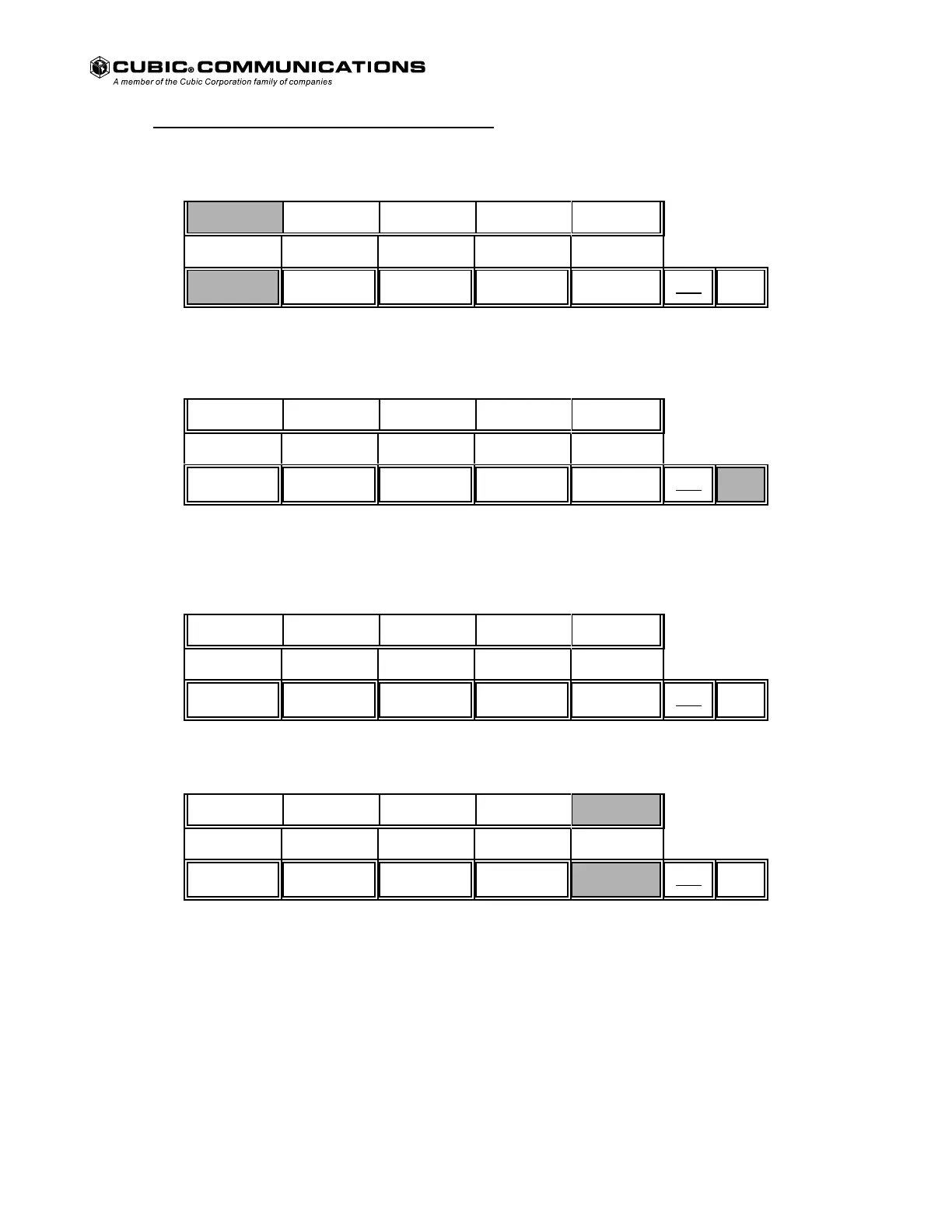
GAIN - NEXT - TABLE Soft Key Menu.
ASSIGN DEFLT ENTER CANCEL
MTR
MNU
NEXT
Press the ASSIGN key to select the desired AGC decay time from the table. The following menu is displayed.
GAIN - NEXT - TABLE - ASSIGN Soft Key Menu.
0.02* 0.20* 3.00* RETURN
MTR
MNU
NEXT
Press the desired soft key to reassign to an AGC decay time, or press the NEXT key to display the additional AGC soft key
menu.
GAIN - NEXT - TABLE - ASSIGN - NEXT Soft Key Menu.
0.10* 0.60* 1.00* RETURN
MTR
MNU
NEXT
Press the desired soft key to reassign to an AGC decay time. The following menu is displayed.
GAIN - NEXT - TABLE Soft Key Menu.
ASSIGN DEFLT ENTER CANCEL
MTR
MNU
NEXT
Press the CANCEL key or assign additional AGC soft keys if desired.
Courtesy of http://BlackRadios.terryo.org



 To Next Page