EasyManua.ls Logo

Curtis 700 series - User Manual

Curtis 700 series
12 pages
Print Icon
To Next Page IconTo Next Page
Loading...
Read Instructions Carefully !
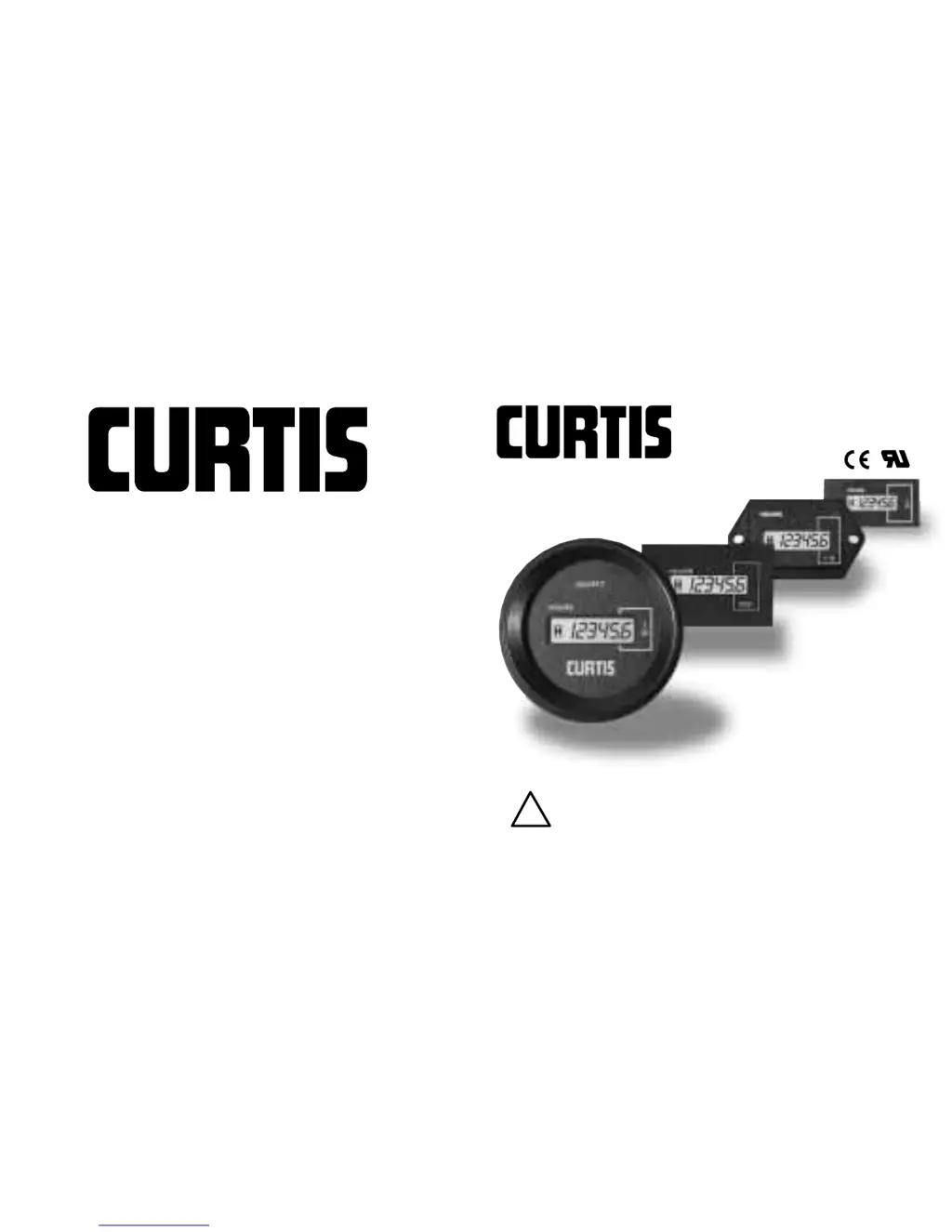
700/732 SERIES
®
CURTIS INSTRUMENTS, INC.
200 Kisco Avenue, Mt. Kisco, NY 10549
Tel. (914) 666-2971 • FAX (914) 666-2188
www.curtisinst.com
!
53004 REV F 06/02
5mm HOUR METERS & COUNTERS

Other manuals for Curtis 700 series

Questions and Answers

  • M
    michael55Aug 1, 2025
    What to do if the Curtis 700 Measuring Instruments display is not working?
    • K
      Kimberly JacksonAug 1, 2025
      If the display is not showing anything, the problem might be that the power is either not connected or is too low. To solve this, disconnect the power for a minimum of 10 seconds before reconnecting it.
  • Y
    yangvalerieAug 11, 2025
    Why is my Curtis 700 counter not activating, even though the display is on?
    • C
      Cindy RiceAug 11, 2025
      If the display is working but the counter isn't activating, it could be due to the input wire or enable wire not being connected, the start input not being connected, or the input voltage not reaching the required minimum signal level. Disconnect the power for at least 10 seconds, then reconnect.
  • A
    Alexis BurnettAug 20, 2025
    What to do if the LED on my Curtis 700 isn't turning ON during activation?
    • V
      Victor DixonAug 20, 2025
      If the LED does not turn on when it should, the switch or its connection may be faulty. To resolve this, remove all power for at least 10 seconds and then reconnect.

Summary

Safety Instructions

Model Encodement (Except 732 Series)

Function Encoding

Defines the device's primary purpose (Hour Meter or Counter).

Case Encoding

Refers to physical enclosure type and connector specifications.

Reset Encoding

Specifies the reset mechanism (electrical or none).

Logo Encoding

Indicates presence or absence of manufacturer logo.

Nominal Voltage Encoding

Lists supported nominal DC and AC voltage ranges.

Model Encodement (732 Series Only)

Case Specifications

Specifies bezel shape and terminal type for the 732 model.

Function Specifications

Details 2-wire/3-wire hour meter variants with LED enable/reset options.

LED Voltage Specifications

Lists DC voltages for LED indicator functionality.

Sequential Code Specifications

Indicates factory-specified sequential code for the model.

Logo Specifications

Indicates presence or absence of manufacturer logo on the 732 model.

Technical Specifications

Electrical Specifications

Details operating voltage ranges and AC frequency specifications.

Impedance Specifications

Specifies minimum impedance at terminal 3 and terminal 4 for models.

Mechanical Specifications

Details display type, size, range, and resolution.

Environmental Specifications

Outlines operating and storage temperature, humidity, and vibration ratings.

Operating Current Specifications

Case and Connector Specifications

Installation Instructions

Operation

700 Hour Meter Operation

Describes display, operation, and reset for the 700 Series hour meter.

701 Hour Meter Operation

Details display, operation, and reset for the 701 Series hour meter.

703 Counter Operation

Explains display, operation, and reset for the 703 Series counter.

732 Hour Meter Operation

Covers display activation, LED, elapsed time, and reset for the 732 Series.

Troubleshooting

Maintenance Information

States that meters are not serviceable in the field and require factory return.

Warranty Information

Curtis 700 series Specifications

General IconGeneral
BrandCurtis
Model700 series
CategoryMeasuring Instruments
LanguageEnglish

Related product manuals