I.B. 29C891B
Page 13
Effective 11/98
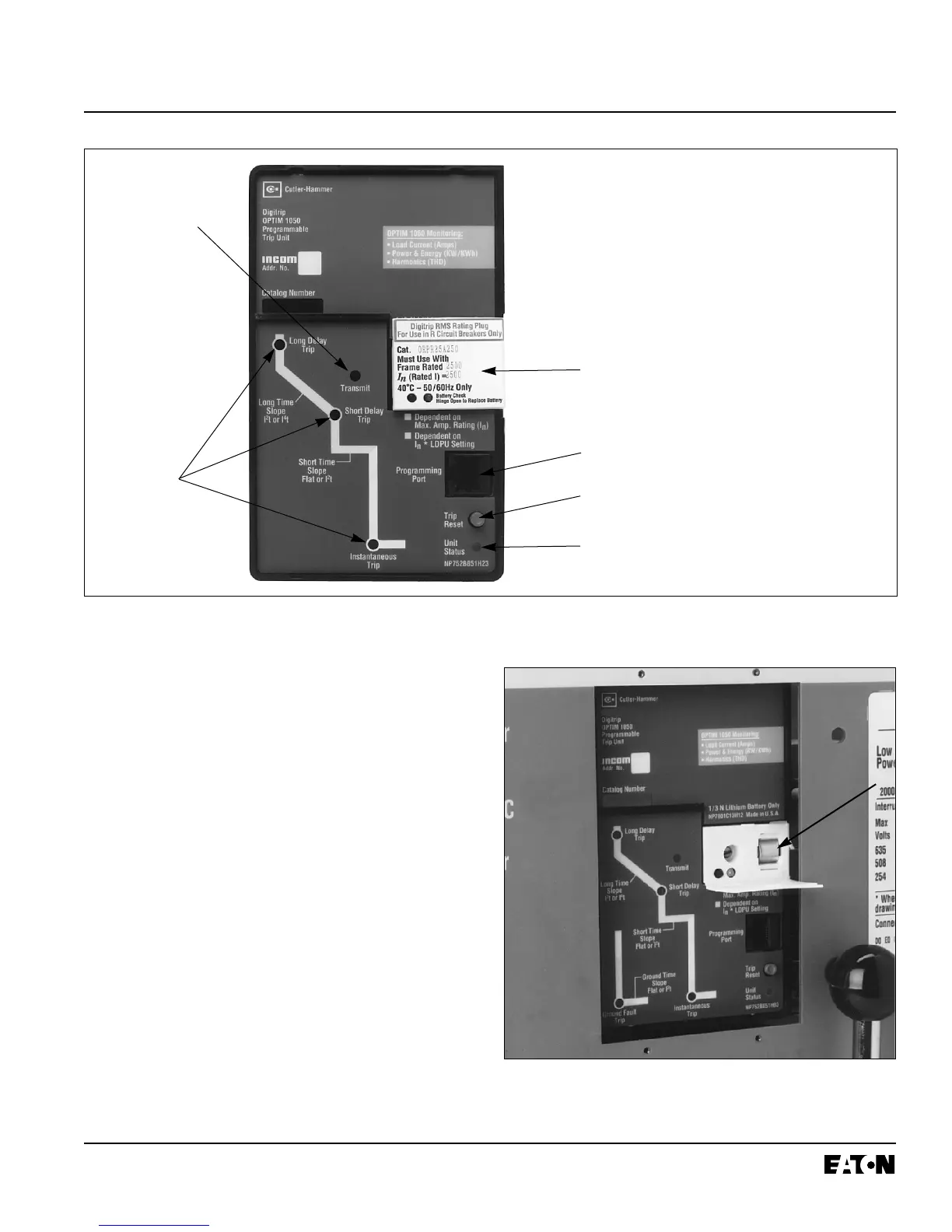
Unit Status LED
The green Unit Status LED blinks with a one second
on-off duty cycle when power is applied to the trip unit
and it is functioning properly.
INCOM Transmit LED
The red transmit LED flashes red when the trip unit is
communicating over an INCOM network. Model 550
requires the field IMPACC kit for communications.
Programming Port
A custom phone type jack programming port is located
just under the rating plug. One end of the custom phone
type cord provided with the OPTIMizer Hand Held
Programmer plugs into the port, and permits direct pro-
gramming of the trip unit (Figure 2-12). The port will
accept either end of the custom phone cord.
Notice: When the OPTIMizer is plugged into a trip
unit, it prevents all remote IMPACC communi-
cations with that trip unit. This action will also
cause a No-Response alarm on the Breaker
Interface Module and a master network. Refer
to Instruction Book 29C892 covering the
Figure 2-10 Front View of R-Frame, SPB and DSII/DSLII Type OPTIM Model 1050 Trip Unit with R-Frame Rating
Plug Installed
➀ Mode of Trip/Alarm LEDs
➁ Automatic Trip Indicator Reset
Pushbutton
➂ Unit Status LED
➃ INCOM Transmit LED
➄ Programming Port
➅ Rating Plug (Hinged Cover
Closed)
➂
➀
➁
➅
➃
➄
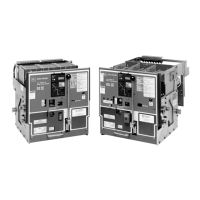
Figure 2-11 R-Frame, SPB and DSII/DSLII Type
OPTIM Trip Unit Battery Compartment


 To Next Page