14
Note: This standard/classification, however, is a general guideline
as an individual’s blood pressure varies among different people, age
groups, etc. Please consult your physician for proper diagnosis.
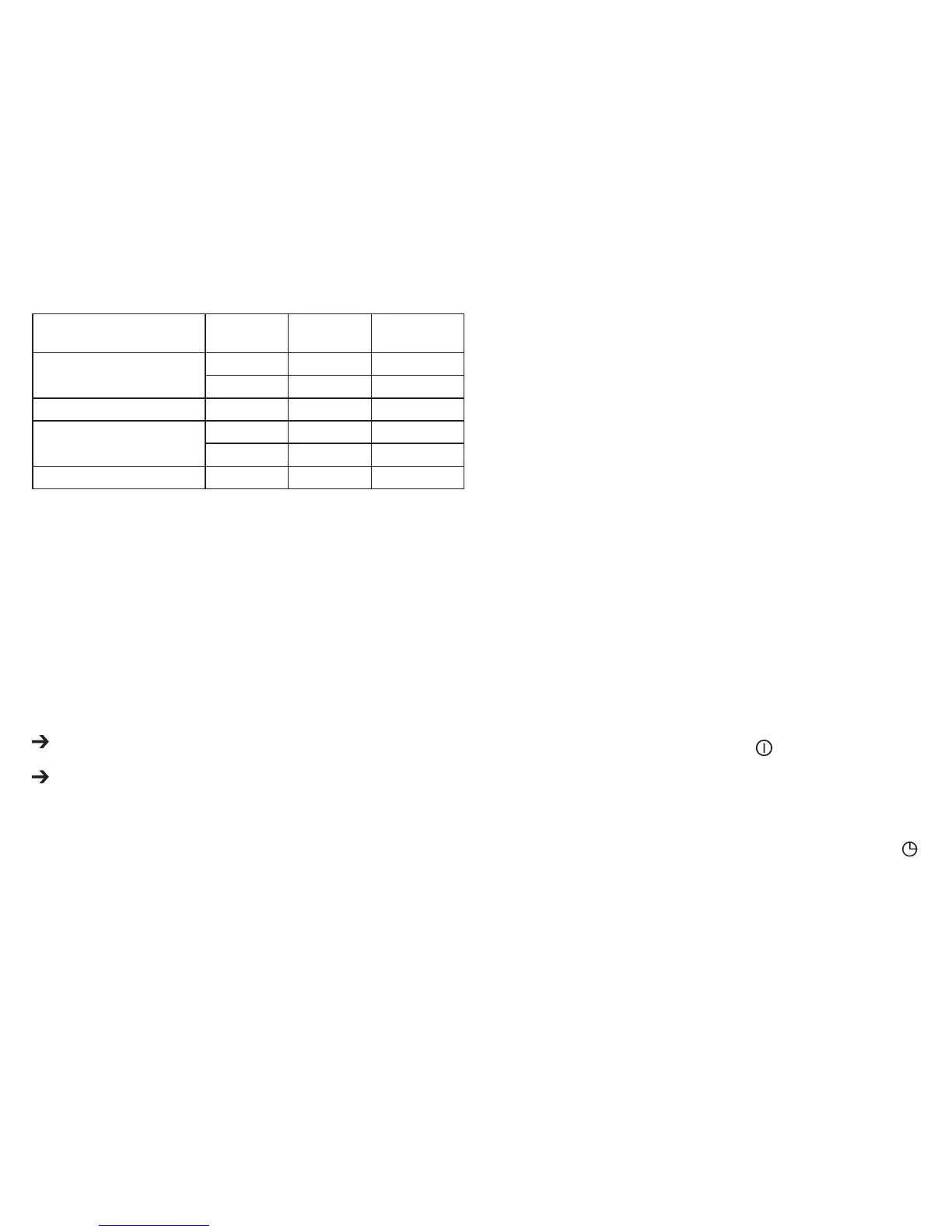
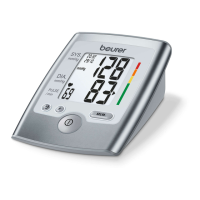
After each measurement is completed the bar graph in the display
and the scale on the unit indicate the range of the blood pressure
which has been recorded. Check up the comparison chart above
to see what stage your measuring result fits in.
Note: When a person’s systolic and diastolic pressures fall into
different categories, the higher category should apply.
e.g. systolic rate 181 & diastolic rate 99
Red category (Stage 2 Hypertension)
e.g. systolic rate 110 & diastolic rate 95
Red category (Stage 1 Hypertension)
For adults 18 and older who are not on medicine for high blood
pressure, are not having a short-term serious illness, and do not
have other conditions, such as diabetes and kidney disease. To
determine category of risk when systolic and diastolic readings fall
into two areas, use the higher of the two numbers for classification.
There is an exception to the above definition of high blood pressure
for people with diabetes and chronic kidney disease. A blood pres-
sure of 130/80 mmHg or higher is considered high blood pressure
for those individuals.
Note:
The above table is not exact for classification of blood pressure and
it’s intended to be used as a guide in understanding non-invasive
blood pressure measurements.
Usually this is not a cause for concern; however we recommend you
consult with your physician for proper diagnosis or seek medical
advice. Please note that this device does not diagnose hypertension,
and it is only for user reference on blood pressure monitoring.
7.
Saving, retrieving and deleting results
•
The results of each successful measurement are stored together
with date and time. Each user can store up to 60 items of meas-
ured data. With more than 60 items of measured data, the oldest
items of measured data are dropped.
•
Select the desired user memory by pressing the MEM button and
then the “+” button. Press the MEM button again to display the
average of the last 3 measurements in the user memory. If you
continue pressing the MEM button, the latest individual results are
displayed with the
risk category indicator
, irregular heart beat icon,
date and time. Press MEM button to read the following measure-
ments in sequence. Data is recalled from the latest measurement
to the oldest.
•
To stop reading the memory, press the button.
Note:
If there is no data in the selected user, nothing (except date,
time and user number) will appear on the display.
•
To clear the memory, press the MEM button, then the display
shows no. 1. Press the “+” button to select the user memory and
confirm by pressing MEM again. Press and hold the “+” and
keys simultaneously for 5 seconds (the display will show CLA).
To confirm the data in the selected user has been erased, press
Stages of
Blood Pressure Levels
Systolic
(mmHg)
Diastole
(mmHg)
Color
Stage 2 Hypertension
≥180 ≥110 Red
160 –179 100 –109 Red
Stage 1 Hypertension 140 –159 90 – 99 Red
Pre-hypertension
130 –139 85 – 89 Yellow
120 –129 80 – 84 Light Green
Normal <120 <80 Dark Green
Source: U.S. department of Health and Human Services and the National Insti-
tutes of Health.


 To Next Page