©2020 Cyber Power Systems (USA), Inc. All rights reserved. All other trademarks are the property of their respective owners.
18
ELECTRICAL INSTALLATION CONT.
OPERATIONS TO RETAIN EPO & ROO FUNCTION
(NO MBP DETECTION CABLE)
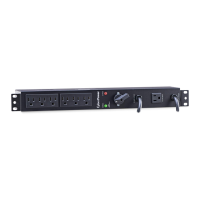
UPS START-UP WITH MBP63A2
[NOTE] Verify that the total equipment ratings do not exceed the UPS capacity to prevent an
overload alarm.
[NOTE] If the MBP Detection Cable is not used, the Firmware is not required to be updated.
[NOTE] If MBP Detection Cable is installed, the UPS EPO and ROO functions will be disabled.
[NOTE] If MBP Detection Cable is not installed, the UPS will not automatically transfer to bypass mode
[NOTE] TO AVOID DAMAGE! Follow the correct operation and start up procedures using either the
MBP Detection Cable (P12) or Retaining EPO & ROO Function (P18).
[NOTE] If the UPS is equipped with outlets, those outlets can no longer be used, loads can only be
connected to the MBP outlets or the MBP Output terminal blocks. UPS should be turned off when
UPS is doing maintenance, if load connect to UPS outlet, the load will be lost.
Before turn off UPS, MBP need to set to bypass and keep provide power from utility.
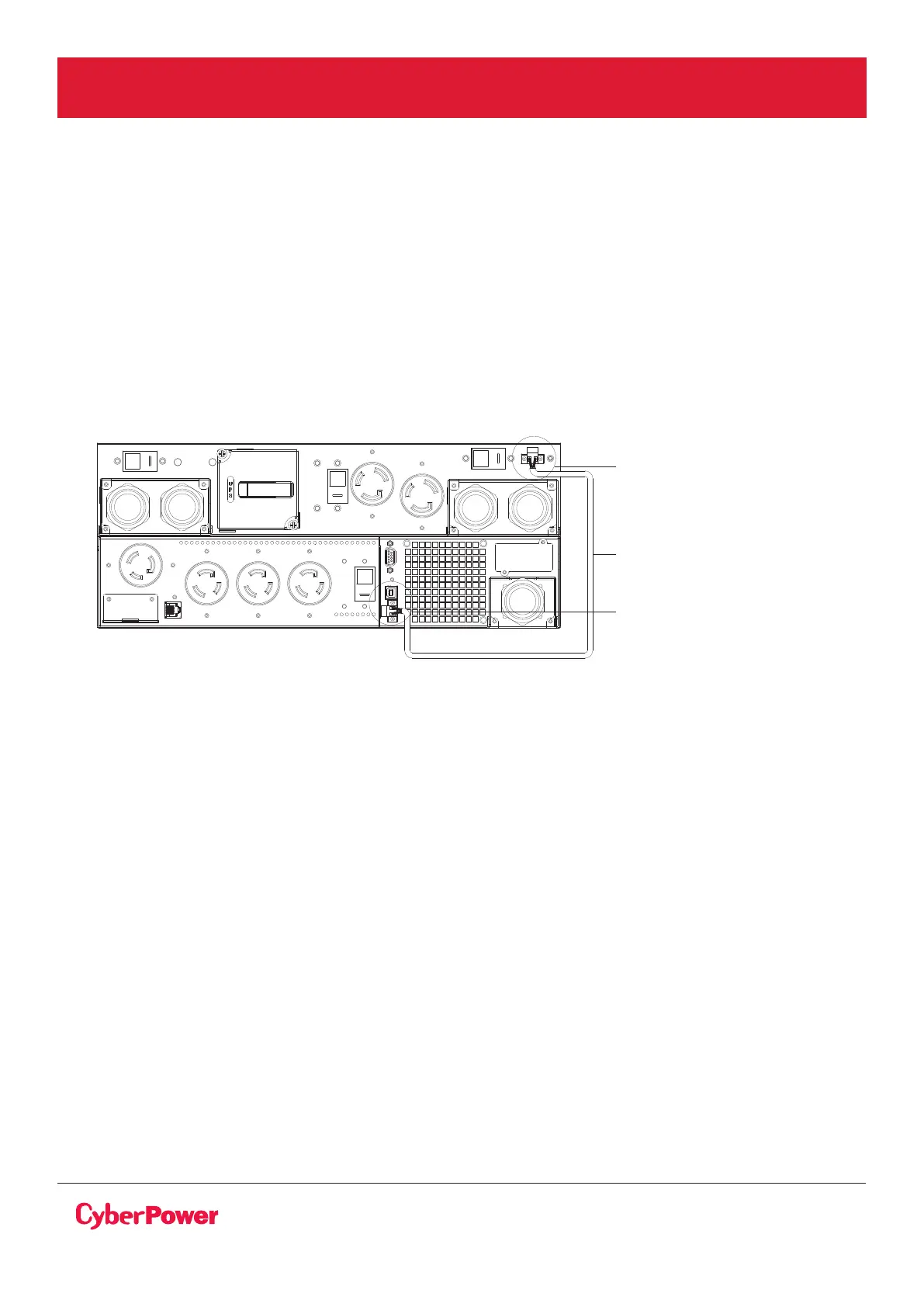
1. Check that the UPS is correctly connected to the MBP63A2
(see previous chapter HARDWIRING THE INPUT/OUTPUT TERMINAL connecting the input and
output but no need to connect MBP detection).
If the UPS is equipped with outlets, those outlets can no longer be used (loads can only be
connected to the MBP outlets or the MBP Output terminal blocks).
2. Verify that the MBP terminal blocks are connected to the Normal AC source (Utility).
MAINTENANCE
BYPASS SWITCH
MBP detection port
UPS EPO port
Remove EBM detection cable



 To Next Page