32
MR500 View
4.4.3 Sounder Setting
As you will have noticed, The MR500 View makes various sounds when you press buttons,
change modes etc. If you prefer your meter not to make these sounds, you can turn them off
here.
4.4.4 Automatic Turn Off Feature
The MR500 View has an optional facility designed to prevent excessive drain on your vehicle’s
battery if you accidentally leave the meter in FOR HIRE mode for an extended period of time.
With the feature turned ON, the meter will time out after 2 hours if left in FOR HIRE mode with
no signal received from the pulse input and no button operations. The meter will warn you for
1 minute before actually switching off to give you the opportunity to cancel the facility.
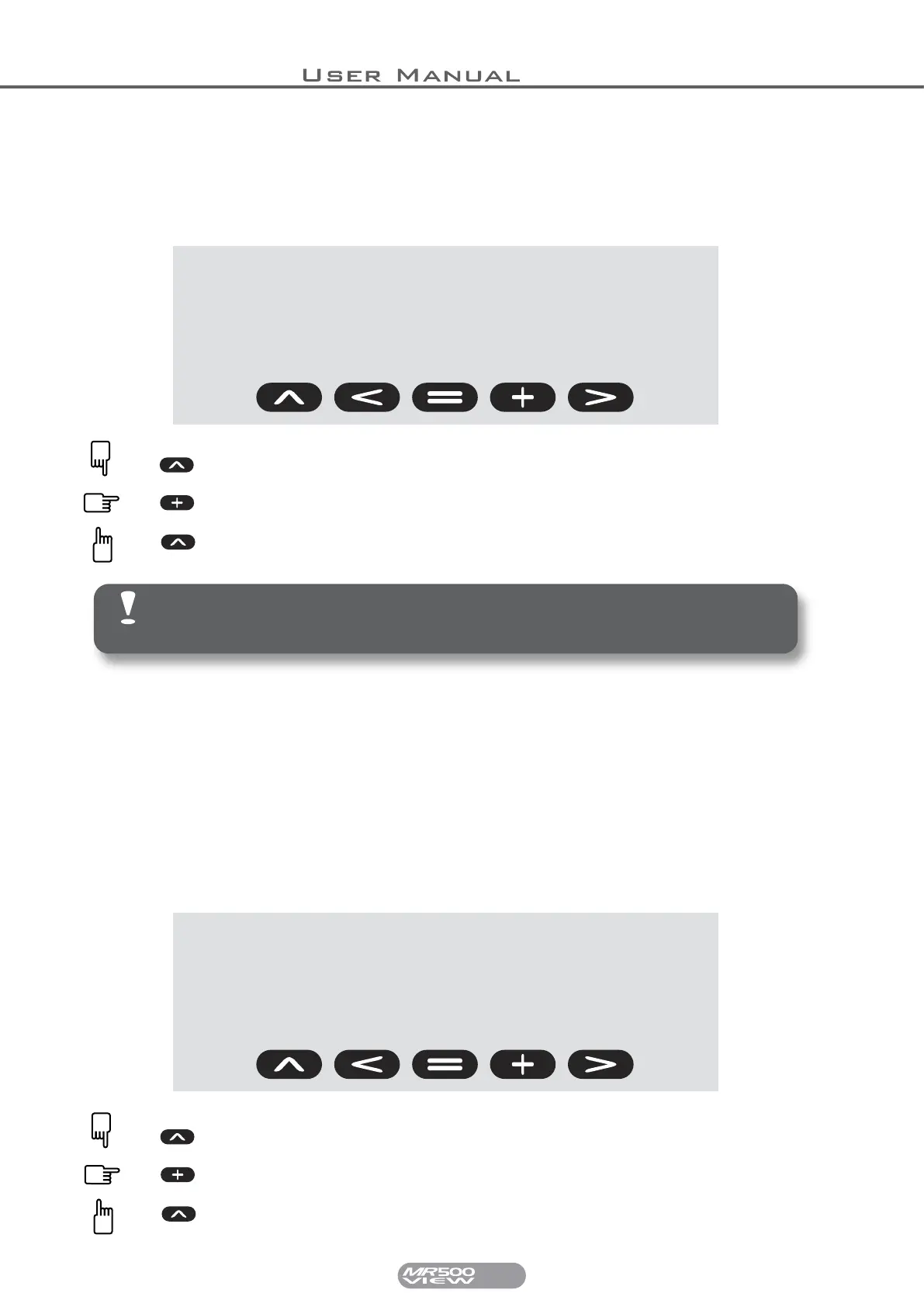
sound
on
Press and Hold SELECT while changing the sound setting.
Press EXTRAS to change the setting between ON or OFF.
Release SELECT to save the changes.
Note: Turning the sound off here does not affect the sounding of
some alarms and warnings, including the Speed Alarm and Alarm
Clock.
auto
off
Press and Hold SELECT while changing the Auto OFF setting.
Press EXTRAS to change the setting between ON or OFF.
Release SELECT to save the changes.


 To Next Page