47
CYGNUS
5.6 Displaying Journey Summary Information
Individual journey information can be displayed on the MR500 View. Up to 650 most recent
journeys are available.
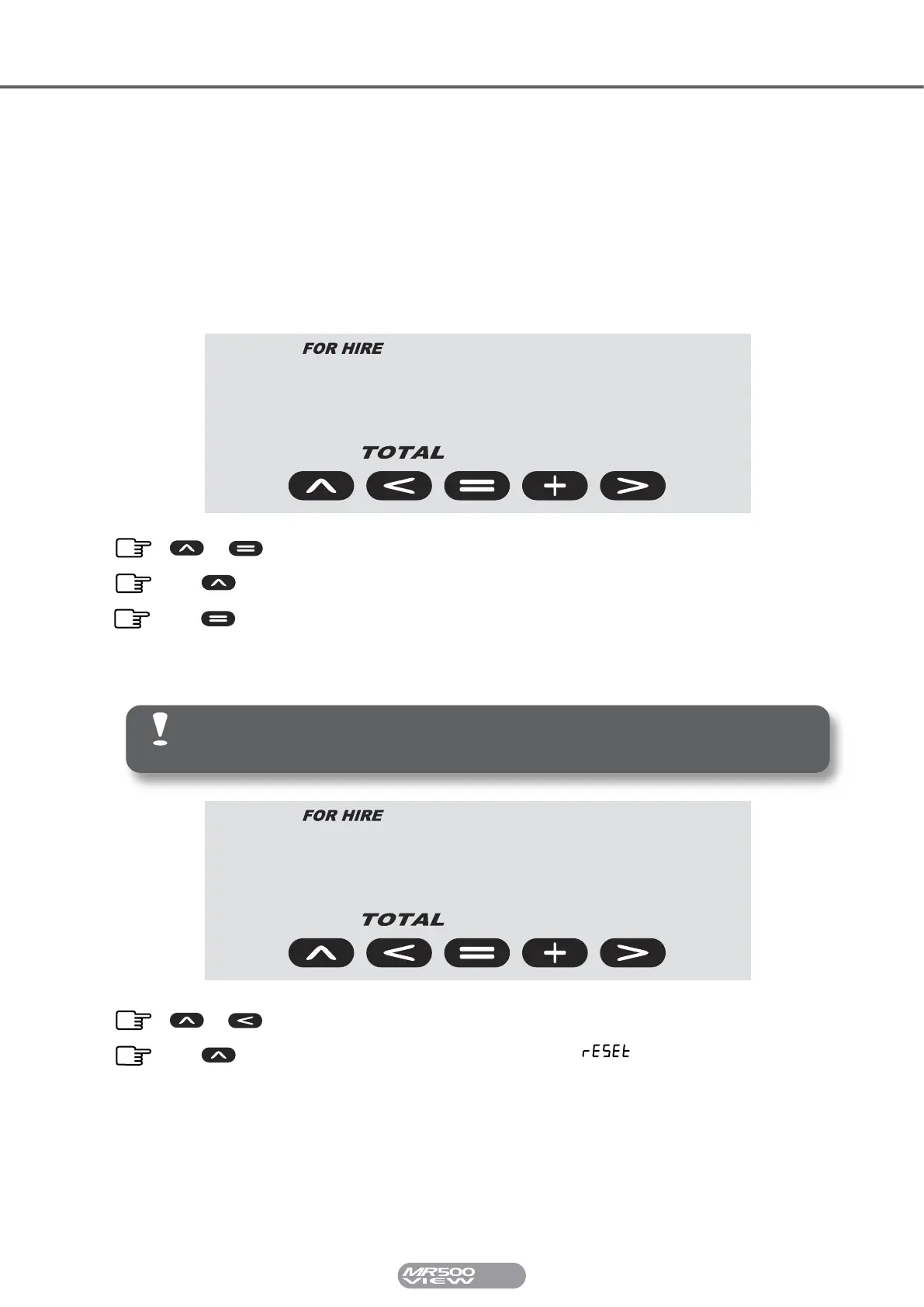
To display this information, press SELECT and TOTAL together whilst in the Totals Menu. The
display will now alternate between the date and time of the most recent journey stored. Press
SELECT to scroll through the journeys and press TOTAL to scroll through the information for
the individual journey.
5.7 Clearing The Totals
Sep 11
21
strt
& Press SELECT & TOTAL together to enter Journey Summary Info.
Press SELECT to scroll through journeys.
Press TOTAL to scroll through selected journey information.
Only the Resettable Totals can be cleared!
It is not possible to clear an individual total.
296*30
rs
fare
& Press SELECT & REVERT whilst in the Resettable Totals Bank.
Press SELECT when the meter says . The resettable totals
bank will now be cleared and reset to zero.


 To Next Page